If you want to know how healthy your onsite operations really are, look at your badge printing area at 9:00 AM on day one.
Are attendees gliding through in seconds, or standing in a snaking queue, staring at a pile of tangled lanyards and humming printers? In 2025, 71% of attendees say the check-in process can make or break their overall event experience, which means that what happens at your badge counters is no longer a “back-of-house” concern, it’s a core part of your brand.
The good news: printing badges does not have to be the bottleneck of your event. With the right onsite badge printing setup, connected directly to live registration data, you can move from pre-printed chaos to on‑demand speed, turning a potential pain point into a 10‑second “Wow” moment.
Why Badge Printing So Often Becomes the Bottleneck
Most badge problems start long before anyone arrives onsite.
The traditional approach is to pre-print every badge a few days before the event, using a static export of your attendee list. Any changes after that, title updates, company rebrands, upgraded passes, have to be fixed manually or ignored. Onsite, staff are left digging through alphabetized boxes, handling reprints on ad‑hoc desktop printers, and apologizing for outdated or misspelled badges.
Modern registration and badging guides now explicitly recommend moving away from bulk pre-printing because it creates waste (all those no‑show badges) and introduces countless opportunities for human error. Instead, they emphasise printing badges only when attendees actually arrive.
This is where infrastructure matters: without a tight connection between your registration system and your printers, you’re stuck in a loop of manual lookups, spreadsheet corrections, and reprints, exactly the kind of friction that turns a smooth checkin into a time sink.
The Most Common Badge Printing Challenges at Large Events
At scale, a few recurring issues cause most badge‑related pain.
1. Long queues and poor first impressions
Self‑check‑in kiosk research shows that when attendees can scan, print, and go within about 30 seconds, queues shorten dramatically and staff are freed up for higher‑value work. Providers like Whova and EventMobi report processing hundreds of attendees in just a few minutes at large conferences when on‑demand kiosks and QR codes are deployed instead of manual, paper-based lookups.
When badge printing is slow, under‑resourced, or dependent on staff typing names into search boxes, the throughput collapses. Long lines form, and your first impression is chaos, even if the rest of the event is flawlessly produced.
2. Hardware delays and printer fragility
Large events often try to scale by “just adding more printers,” but commodity office printers are not designed for continuous use at peak load. Industry round‑ups of badge printing platforms stress the importance of using dedicated event badge printers and partner networks that handle kiosk hardware, devices, and maintenance, precisely because they’re tuned for high‑volume, all‑day duty cycles.
When printers jam, overheat, or lose their connection to the software, everything stops. Without built‑in redundancy and local print servers, you end up rebooting devices while a line of attendees watches.
3. Data errors and formatting issues
If the data going into your badges is messy, your onsite experience will be too. 2025 guides on event registration and badge printing emphasise data hygiene as a pre‑event checklist: clearly define which fields will appear on the badge, enforce consistent casing and formats, and test your templates against real records before event day.
Gevme’s own badging best practices underline the same principle: use logic-based rules to decide which fields print for which attendee types, and validate names, titles, and organisations in advance so you’re not correcting them on the spot. Without that discipline, even the best printers will happily output thousands of inconsistent or incorrect badges.
4. Walk‑ins, reprints, and last‑minute changes
Every large event has a long tail of walk‑ins, VIP upgrades, and last‑minute edits. Modern guides recommend designing your registration and badge printing flow around these exceptions: having a dedicated reprint lane, clearly marked help desks, and an integrated system so changes made anywhere (mobile, desktop, onsite) are reflected instantly in the badging software.
This is where platforms like Gevme stand out: their onsite badge printing is part of the broader event platform, so registrations, updates, and access rules sync in real time instead of living in disconnected spreadsheets.
From Pre‑Printed to On‑Demand: What Onsite Badge Printing Really Means
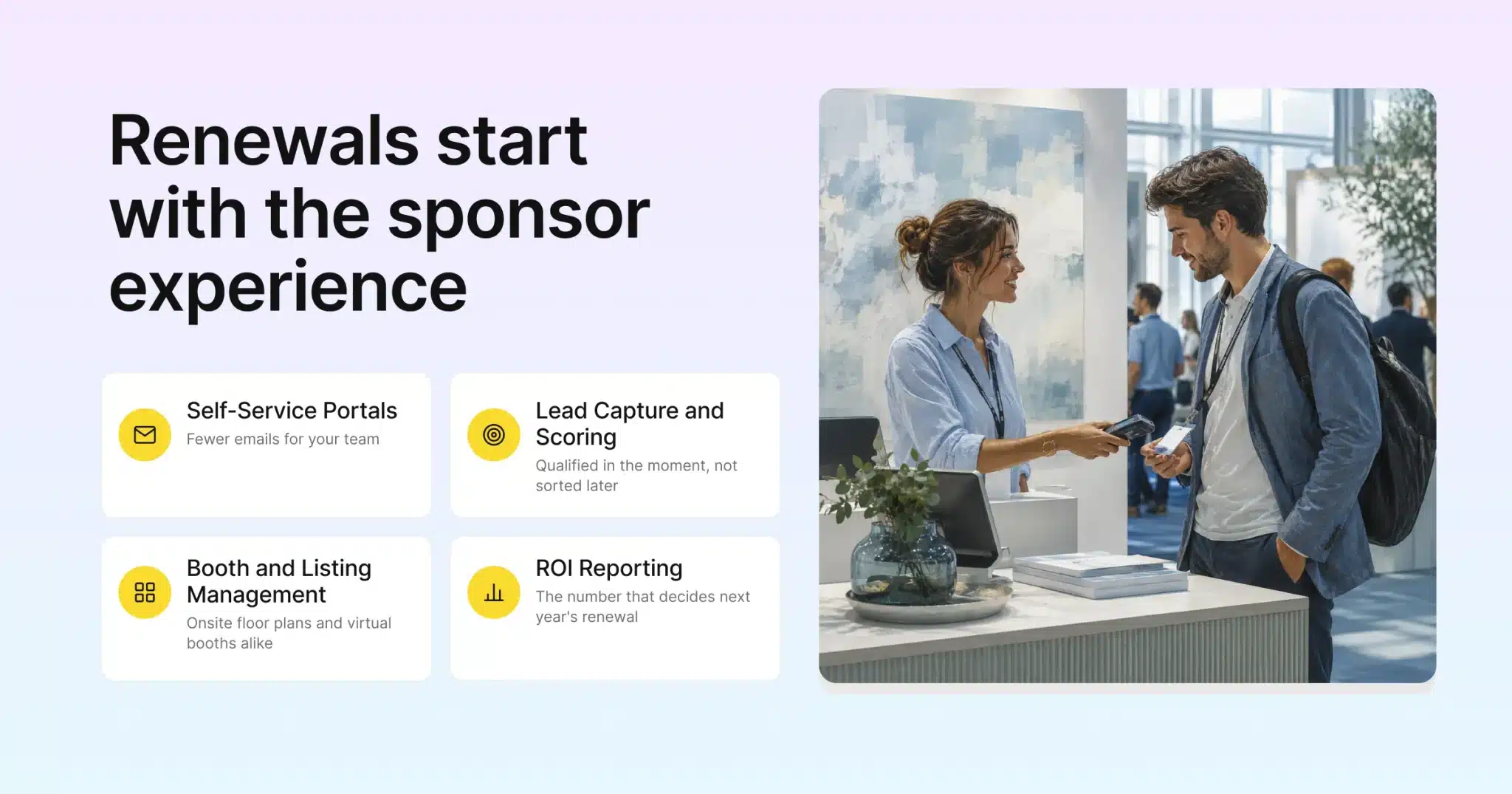
At its simplest, onsite badge printing means this: the badge is printed only when the attendee is physically at your event, usually right after scanning a QR code or confirming their name on a kiosk screen.
Self‑service kiosk setups work roughly the same way across modern platforms: attendees scan a QR code from their confirmation email or mobile pass, or they search for their name, then a dedicated badge printer immediately prints a personalised badge with their name, title, company, and a scannable code. When done well, the whole interaction takes seconds, not minutes. Fielddrive, for example, advertises badges printing in about six seconds at their kiosks.
This on‑demand model brings three major benefits:
- Shorter queues: Scan‑print‑go flows mean more attendees processed per minute with fewer staff.
- Cleaner data: The badge pulls from live registration records, so any edits made beforehand or on a mobile device are reflected instantly.
- Less waste: You’re not printing badges for no‑shows or cancelled registrations, which also supports sustainability goals.
Rather than asking “How many badges should we print in advance?”, high‑performing teams now ask, “How many kiosks and printers do we need to hit our desired throughput at peak arrival?”
How Gevme’s Integrated Badge Printing Works Behind the Scenes
Gevme’s approach is built on the idea that the badge is just the final handshake of a much smarter system.
Seamless connection to registration data
Gevme’s badge printing is embedded directly within its onsite event registration services, not bolted on as a separate tool. Their “Revolutionize Event Check‑In” guide highlights how registration data, attendee profiles, and badge printing live in a single platform, so there’s no data import/export step to break. Last‑minute registrations, cancelled attendees, and updated profiles all sync in real time, which means what you see on the badge is always the current truth.
Logic‑based badge design
On the design side, Gevme’s badge designer software uses a visual builder with logic-based printing rules. You can specify which data fields appear for which attendee categories, for example, showing company and country for exhibitors, but adding track colour, table number, or VIP flags for specific audiences.
Because badges are driven by rules and templates rather than static layouts, you can maintain consistency across thousands of records while still adapting designs for sponsors, speaker tiers, or security levels.
Local print servers and offline resilience
One of the more critical details for large venues is connectivity. Gevme’s onsite badge tools support localised print servers that cache essential data, so printers keep working even if venue Wi‑Fi is unstable. When the connection is strong, updates sync instantly; when it drops, the system queues transactions and reconciles them as soon as it comes back, instead of freezing the line.
Self‑serve and assisted check‑in modes
Onsite, Gevme’s event check‑in software supports both self‑serve kiosks and assisted counters. Attendees can check-in themselves using QR codes on tickets, facial recognition, or ID card scanning, while staff can run assisted stations for VIPs, complex registrations, or troubleshooting. This blend is particularly important at scale, where a mix of tech‑savvy and less technical attendees arrive at the same time.
AI Onsite Event Registration: Smarter, Not Just Faster
The next wave of onsite experience is not just about speed; it’s about intelligence.
Gevme’s “From QR Codes to AI” article outlines how AI‑enhanced check‑in combines QR scanning, facial recognition, and real‑time analytics to give organisers a live picture of who is arriving, where, and when. Their event check‑in product already supports facial recognition alongside QR and ID scanning, allowing events to offer truly contactless entry where appropriate.
More broadly, Gevme’s AI‑first vision describes using AI to optimise planning, engagement, and analytics across virtual, hybrid, and in‑person events, everything from predicting peak arrival windows to surfacing attendee behaviour patterns that inform staffing and layout decisions.
Across the industry, leading onsite badge providers also lean into “smart” features. Fielddrive, for instance, combines QR and facial recognition at kiosks with ultra‑fast printing, demonstrating how computer vision and automation can reduce friction without sacrificing security. For organisers, this translates into fewer manual checks, better security, and check‑in dashboards that feel more like air‑traffic control than a static guest list.
Making Badge Printing More Sustainable
Sustainability has become a board‑level priority for many organisations, and badges are one of the most visible (and controllable) parts of your event footprint.
Recent guides on eco‑friendly event badges show a clear shift toward FSC‑certified, recycled paper badges that are durable enough for multi‑day events while significantly reducing plastic use. Providers like Expo Pass highlight that on‑site badge printing is itself a sustainability win: by printing only for attendees who actually show up, you cut both material waste and shipping/logistics overhead associated with pre‑printed badge packs.
Specialist credential vendors now offer badges made from recycled fibres and other sustainable materials, emphasising that eco‑friendly credentials can look premium while sending less to landfill.
Gevme’s badge designer reflects this trend by letting organisers choose from different badge materials and formats while still leveraging the same on‑demand workflow, making it easier to align your check‑in experience with your sustainability standards.
Designing an Onsite Badge Printing Setup That Actually Scales
Putting it all together, what does a reliable, scalable badge printing operation look like in practice?
Recent 2025 playbooks on registration and badge printing emphasise a few concrete steps:
- Model your peak throughput. Estimate how many attendees will arrive in your busiest 30–60 minutes, then work backwards to determine how many kiosks and assisted stations you need to keep average wait times under a minute.
- Separate self‑service and help lanes. Use self‑check‑in kiosks for the majority of attendees, and clearly signpost a separate lane for reprints, walk‑ins, and special cases so they don’t block the main flow.
- Standardise badge logic. Use tools like Gevme’s logic-based printing to define templates and fields in advance, and test them on real records before event day.
- Plan for offline scenarios. Rely on local print servers and offline‑capable check‑in apps so a brief Wi‑Fi outage doesn’t take your entire operation down.
- Monitor in real time. Use onsite analytics dashboards to track check‑in counts, bottlenecks, and dwell time so you can redeploy staff or open extra kiosks when needed.
Gevme wraps these pieces into a single onsite event registration service: from registration forms and badge logic to self‑serve kiosks, assisted counters, access control, and analytics, all powered by one live data layer. That integration is what turns badge printing from a fragile chain of tools into a resilient, scalable system.
Turning the Badge into a “Wow” Moment
At a large event, there are only a handful of touchpoints every attendee is guaranteed to experience, and badge printing is one of them. Done poorly, it creates queues, waste, and frustration. Done well, it feels almost invisible: a quick scan, a freshly printed badge, and attendees are on their way in seconds.
If you are planning your next large‑scale or hybrid event, treating badge printing as a strategic workflow, not just a piece of hardware, is one of the most impactful upgrades you can make to your onsite experience.