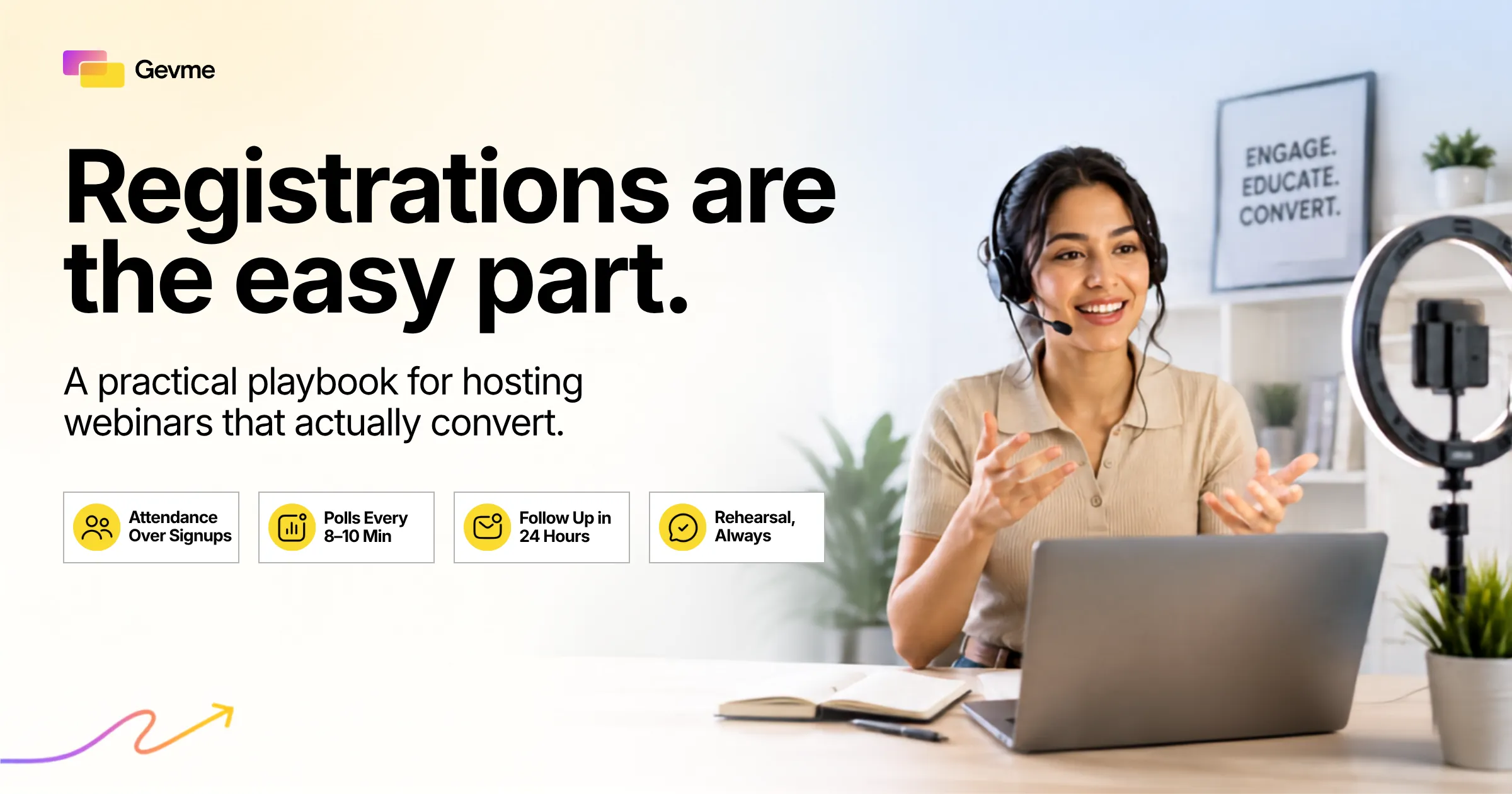
Most guides on how to host a webinar stop at “get people to register.” That’s the easy part. The hard part, the one that actually pays for your time, is turning attendance into pipeline, product signups, or closed revenue.
Picture a session with 400 registrants and only 90 people actually show up live. If that gap sounds familiar, you already know where the plan broke down: registration got treated as the finish line instead of the starting point.
Hosting a webinar that converts means designing every stage, before, during, and after, around a specific decision you want the attendee to make, not just around getting a name on a list. That single shift changes how you pick a platform, how you promote the session, how you run it live, and what you do the moment it ends.
This guide walks through what actually makes a session convert: what to look for in a webinar platform or virtual event platform, promotion and registration mechanics, the production details behind a polished broadcast, live engagement tactics, the first five minutes, and how to follow up so leads don’t go cold.
Key Takeaways
- Hosting a webinar that converts means designing for a decision, not just a registration. Attendance and engagement are the real scoreboard, not the sign-up count.
- Choosing the right webinar platform or virtual event platform up front prevents the technical failures that kill conversion once you’re live.
- Registration mechanics and pre-event promotion set the ceiling on attendance. A messy form or a single reminder email can cost you a third of your audience.
- The first five minutes decide whether people stay. Open with the outcome, not the agenda.
- Polls, chat prompts, and structured Q&A are core webinar best practices that keep attention through the middle of the session.
- Follow-up within 24 hours, with lead scoring based on behavior, turns a webinar into pipeline instead of a bigger email list.
- If you host a webinar for free to test a new topic, treat the limited analytics as a fair tradeoff, not a dealbreaker, and move to a paid tier once the format proves out.
What Actually Makes a Webinar Convert
Before you touch a webinar platform, separate two questions that get conflated: how do you get people to register, and how do you turn those registrants into something valuable. Most teams over-invest in the first question and under-invest in the second.
Registrations Are Not the Goal of Hosting a Webinar
A registration is a click. It costs the attendee almost nothing, which is why it’s a weak signal on its own. Measure success purely by registration count and you end up optimizing for the cheapest action someone can take. Real conversion happens at attendance, at engagement, and at what the attendee does afterward, and that distinction is the starting point for a webinar that earns its budget back.
The Metrics That Actually Predict Webinar Hosting Success
Look past the registration number if you want to know whether a session is actually working. Attendance rate, the share of registrants who show up live, is a commonly cited industry benchmark for B2B webinars, typically falling between 35 and 50 percent for a well-promoted session. Poll participation and post-webinar actions are the real proof beyond that. These are the numbers that should guide your decisions, not how many people clicked register.
Every decision from here on, from which platform you pick to how you structure the first five minutes, should be judged against these numbers.
How to Choose a Webinar Platform
The platform you choose shapes almost everything downstream. A clunky registration flow, a laggy stream, or a buried Q&A tool undercuts every other part of your plan. Picking the right webinar platform is the first real decision in this process, and it’s one of the webinar best practices teams skip when they’re focused only on the slide deck.
Webinar Platform vs Virtual Event Platform
A webinar platform is built for one-to-many broadcast sessions, where a host presents to an audience that mostly watches. A virtual event platform is broader: it supports multi-session agendas, breakout rooms, and sponsor booths on top of webinar-style broadcasts. For a single 45-minute session, a dedicated webinar platform is usually enough. For a half-day summit, the wider feature set of a virtual event platform matters more. Knowing the difference before you shop keeps you from paying for features a simple broadcast tool would have covered.
What to Look For in a Webinar Platform
- Attendee capacity and streaming reliability. Check tested limits, not the marketing number, before you run a large session, and confirm those limits again if you later move to a broader platform for a bigger series.
- Registration and landing page tools. You want to build a registration page without a developer every time you run one of these.
- Engagement features. Live polls, moderated Q&A, and chat built in, core to basic webinar best practices.
- Analytics and export. Attendance duration and poll results should export cleanly into your CRM once the session ends, whether you’re using a focused webinar platform or a broader virtual event platform.
- Free tier and pricing. If you plan to host a webinar for free, check attendee caps and time limits before committing a promotion budget to a tool you haven’t stress-tested.
Should You Host a Webinar for Free
Plenty of platforms let you host a webinar for free up to a capped attendee count, a reasonable way to test a new topic before a paid tier. The tradeoff is limited branding and thinner analytics. For a one-off internal session, that’s fine. For a webinar tied to a pipeline target, the missing data tends to cost more than the platform fee would have. The same logic applies when you’re trialing a virtual event platform before committing budget to its higher tier.
However you weigh the platform decision, the table below is a useful reference for what has to happen at each stage.
| Stage | Key Actions | Owner | Timing |
|---|---|---|---|
| Before the webinar | Confirm platform, build registration page, promote | Marketing and producer | 3 to 4 weeks out |
| Day of the webinar | Run tech check, brief speakers, load run of show | Producer and speakers | 60 to 90 minutes before |
| During the webinar | Open with the outcome, run polls, monitor chat | Host and moderator | Live, full session |
| After the webinar | Send recording, score leads, hand off to sales | Marketing and sales | Within 24 hours |
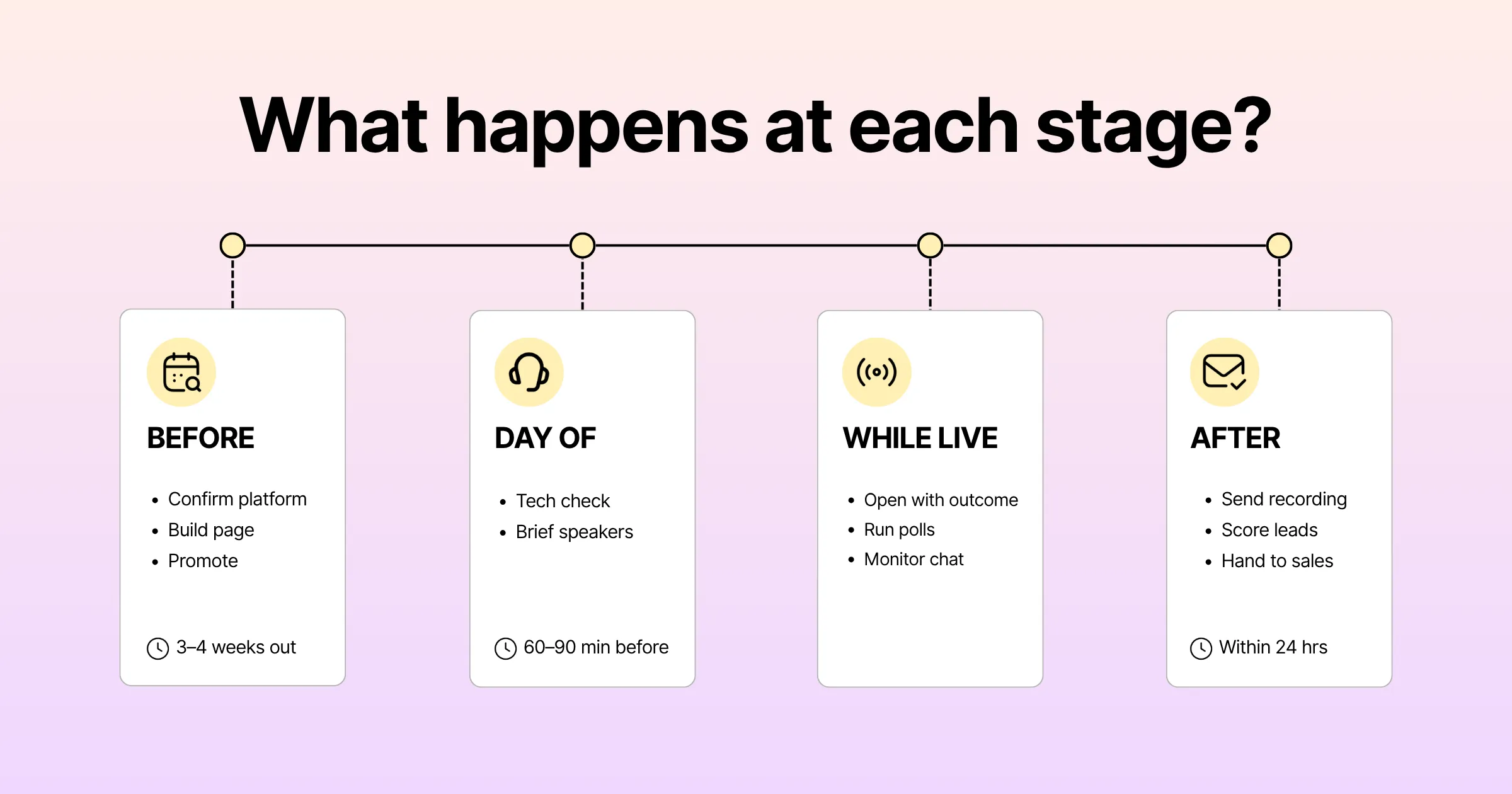
This timeline holds whether you’re running the session on a dedicated webinar platform or a broader virtual event platform. Only the setup details in each row change.
Pre-Event Promotion and Registration Mechanics
Attendance is decided long before the session starts. Teams that consistently pull strong turnout treat promotion and registration as a project with its own timeline, not an afterthought.
Building a Registration Page That Converts
Keep the form short. Name, work email, and company are usually enough. Every extra field lowers completion rate. Lead with the outcome the attendee walks away with, not a generic topic line: “Learn three ways to cut cost per lead” converts better than “Join our webinar.”
The Promotion Timeline Before You Host a Webinar
A single announcement email is not a promotion plan. Teams with healthy attendance run a sequence instead: an announcement two to three weeks out, a mid-cycle reminder, a “starting tomorrow” email, and a same-day reminder. Each touch should say something different, since the audience registering off the first email differs from the one that registers off the last.
Reducing No-Shows When You Host a Webinar
No-shows are the single biggest leak in webinar hosting. A registrant who never attends produces zero engagement, no matter how good your content turns out to be. Calendar invites, a reminder sequence, and a note that the session will be recorded all help. If you only send one reminder, send it that morning. These habits are basic, but they’re also the ones teams skip when they’re pressed for time.
The Technical and Production Side of Hosting a Webinar
Content quality gets most of the attention in webinar best practices articles, but production quality is what actually keeps people from leaving once you’re live. A choppy stream or an inaudible speaker loses viewers faster than a mediocre slide ever will.
Audio and Video Quality
Audio matters more than video here. Attendees tolerate a static webcam far longer than crackling audio. A dedicated USB microphone is a bigger upgrade than any camera you could buy. Test audio levels with every speaker individually. Levels that sound fine solo often clash once mics are live together.
Building a Run of Show
A run of show is a minute-by-minute script covering who speaks when, when polls launch, and when the moderator steps in for Q&A. Skip it and you usually get awkward silences and a session that runs long. Share it a day before you go live, not five minutes before. Building and sharing a run of show costs almost nothing and still gets skipped more than any other webinar best practice on this list.
Rehearsal Is Not Optional Before You Host a Webinar
A full run-through, at real speed, on the actual platform, catches problems a deck read-through never will: a broken slide transition, a speaker whose internet drops on video, a poll with the wrong options loaded. Teams that skip rehearsal spend the first five minutes troubleshooting instead of engaging their audience.
Live Engagement Tactics for Hosting a Webinar
Attention decays fast once a session starts. Without deliberate engagement, a real share of your audience has drifted to email within the first fifteen minutes, and this is where webinar best practices earn their keep.
Polls Keep People Present
A poll every eight to ten minutes gives attendees a reason to stay through the rest of the session. Keep questions short and tied to the content just covered. Polls also generate data: if most of your audience says they struggle with a problem your product solves, that’s a stronger signal than a registration ever was. Few webinar best practices pull double duty like this: regular polling keeps attention and produces usable data at the same time.
Q&A and Chat
Open chat at the start, not just the end, so attendees get comfortable participating before the formal Q&A begins. Assign a dedicated moderator separate from the presenter, whose only job is surfacing good questions in real time. A webinar where the presenter also monitors chat is one where both jobs get done poorly. Splitting these roles is a small change, but it’s one that makes the biggest difference to how the session feels live.
If you only fix one thing about Q&A, fix this: answer the easy, specific questions live, and save the broad “it depends” ones for the follow-up email.
The First Five Minutes: Where Webinar Hosting Wins or Loses
Most attendee drop-off happens in the opening minutes, before the core content even starts. This is the step teams skip most often, and how you open matters as much as what you say for the rest of the session.
Skip the long agenda slide and the extended speaker biography. State the outcome the attendee will walk away with, in one sentence, within the first thirty seconds. Run a quick poll immediately, both to confirm audio and video work and to get the audience participating before they get distracted. A short “we’ll recap in a moment” keeps early attendees engaged while latecomers settle in.
Want to see what a genuinely polished, studio-quality experience looks like when the production side is handled for you? Gevme’s studio and webinar hosting environment is built for exactly this, so your team can focus on content and engagement instead of troubleshooting a stream.
Most teams treat these opening minutes as throat-clearing before the “real” content starts. Attendees decide within the first few minutes whether the session is worth their attention, and that decision is driven by pacing and clarity, not production polish alone.
Follow-Up and Lead Handoff After You Host a Webinar
The work doesn’t end when you close the call. What happens in the following 24 to 48 hours often determines whether the webinar produces pipeline or just a bigger list.
Send the Recording Fast, With Context
Send the recording within a few hours, not days, with a short summary of the best moments. Wait too long and that same recording competes with a full inbox and gets ignored far more often. This single habit is one of the fastest ways to tell whether you actually know how to host a webinar people act on, not just attend.
Score Leads on Behavior, Not Just Attendance
Not every attendee is equally ready to talk to sales. Someone who watched the full session and asked a product question is a different lead than someone who joined for four minutes. Use attendance duration and poll responses to score leads, and route the highest-scoring ones to sales within a day.
Close the Loop With Sales
Sales teams that get a spreadsheet of names with no context treat webinar leads like cold outreach. Sales teams that get a short note on what each attendee asked about treat the same leads like warm introductions. That handoff quality is often the biggest lever on whether a webinar turns into revenue.
Common Mistakes That Kill Webinar Hosting Results
A handful of mistakes show up repeatedly across teams learning how to host a webinar for the first time, and most are avoidable with a few basic webinar best practices. Fixing these is a fast way to convert better, without changing your topic or your list.
- Treating the registration count as success. A large list with a thirty percent show rate is a promotion win and a hosting failure at the same time.
- Skipping rehearsal. Technical issues that surface live are almost always issues a rehearsal would have caught.
- Opening with an agenda instead of an outcome. Attendees decide whether to stay in the first minute, not the last.
- Letting the presenter also moderate chat. Both jobs suffer, and questions get missed when you try to run a session solo.
- Sending one generic follow-up to everyone. Highly engaged attendees and those who barely showed up shouldn’t get the identical next step.
- Choosing a platform on price alone. A cheaper tool with unreliable streaming costs more in lost conversion than it saves in fees. The same trap applies when picking a virtual event platform for a bigger show.
Pro Tip:
Understanding how to host a webinar that converts is largely about sequencing. Before your next session, write down the single action you want a highly engaged attendee to take within 48 hours, whether that’s booking a demo or requesting a proposal, and build your run of show, polls, and follow-up email backward from that action instead of figuring out the call to action after the fact.
Frequently Asked Questions
How to host a webinar that people actually attend, not just register for?
Focus on registration page clarity, a multi-touch promotion sequence rather than a single announcement, and a clearly stated outcome so registrants know what they’ll get. A morning-of reminder also improves attendance meaningfully, since it catches people who forgot to add the session to their calendar.
What is the best webinar platform for hosting a webinar as a small team?
The right webinar platform depends on your session format and audience size. For a single presenter hosting a few hundred attendees, look for reliable streaming, a simple registration builder, and built-in polls. For multi-session events, a broader virtual event platform serves you better than a narrow webinar platform, since it gives you room to grow into multi-session agendas later.
Can you host a webinar for free?
Yes. Most webinar platforms, and even some virtual event platforms, let you host a webinar for free, usually capped by attendee count or session length. It’s a reasonable way to test a new topic before committing budget, but expect limited branding and thinner analytics compared to a paid plan. Once you outgrow those limits, whether to keep the free option or upgrade comes down to how much that missing data is actually costing you.
How long should you plan for when hosting a webinar?
Plan for thirty to forty-five minutes of core content, plus ten to fifteen minutes for live Q&A. That range works well for most B2B audiences, since attention tends to drop sharply past the one-hour mark. If your content needs more time, run a short series instead of one long session.
What is a good attendance rate when you host a webinar?
Industry benchmarks commonly put live attendance for a well-promoted B2B webinar between 35 and 50 percent of registrants. Anything well below that range points to a registration problem, weak promotion, or a topic that overpromised relative to what the session delivered.
What should you do immediately after you host a webinar?
Send the recording and a short recap within a few hours. Score leads based on attendance duration and engagement rather than registration alone, then hand the highest-intent attendees to sales within a day with context on what they asked about.
What webinar best practices matter most for a first-time host?
Focus on a handful of high-impact practices rather than trying to do everything at once: a short registration form, a promotion sequence instead of one announcement email, a rehearsed run of show, and a follow-up sent within a day. Get those right before you worry about anything else on this list.
How to host a webinar for free without hurting your results?
You can host a webinar for free on most platforms, but treat it as a trial run rather than your default option. Use it to test a topic or format on a smaller list, then move to a paid tier once you know the format converts and you need the analytics and branding a free plan doesn’t include.
Conclusion: Hosting a Webinar Is a System, Not a Single Event
It all comes down to the same idea. A webinar that converts is a chain of decisions: the platform, the form, the promotion cadence, the rehearsed run of show, the first five minutes, and the follow-up you send within a day. Weaken any link and the session underperforms.
Most teams already know how to host a webinar in the mechanical sense: pick a date, book a platform, send an invite. The teams that get real conversion treat each stage as something worth designing on purpose, measured against attendance and engagement, not how many people clicked register. None of the practices in this guide are complicated on their own. What separates the teams that convert is applying all of them together, every time, instead of picking one or two and calling it done.
Ready to run your next session on a platform built for live engagement and clean production instead of stitched-together tools? Request a Gevme demo and see how a purpose-built webinar platform changes what hosting a webinar can actually deliver for your pipeline.