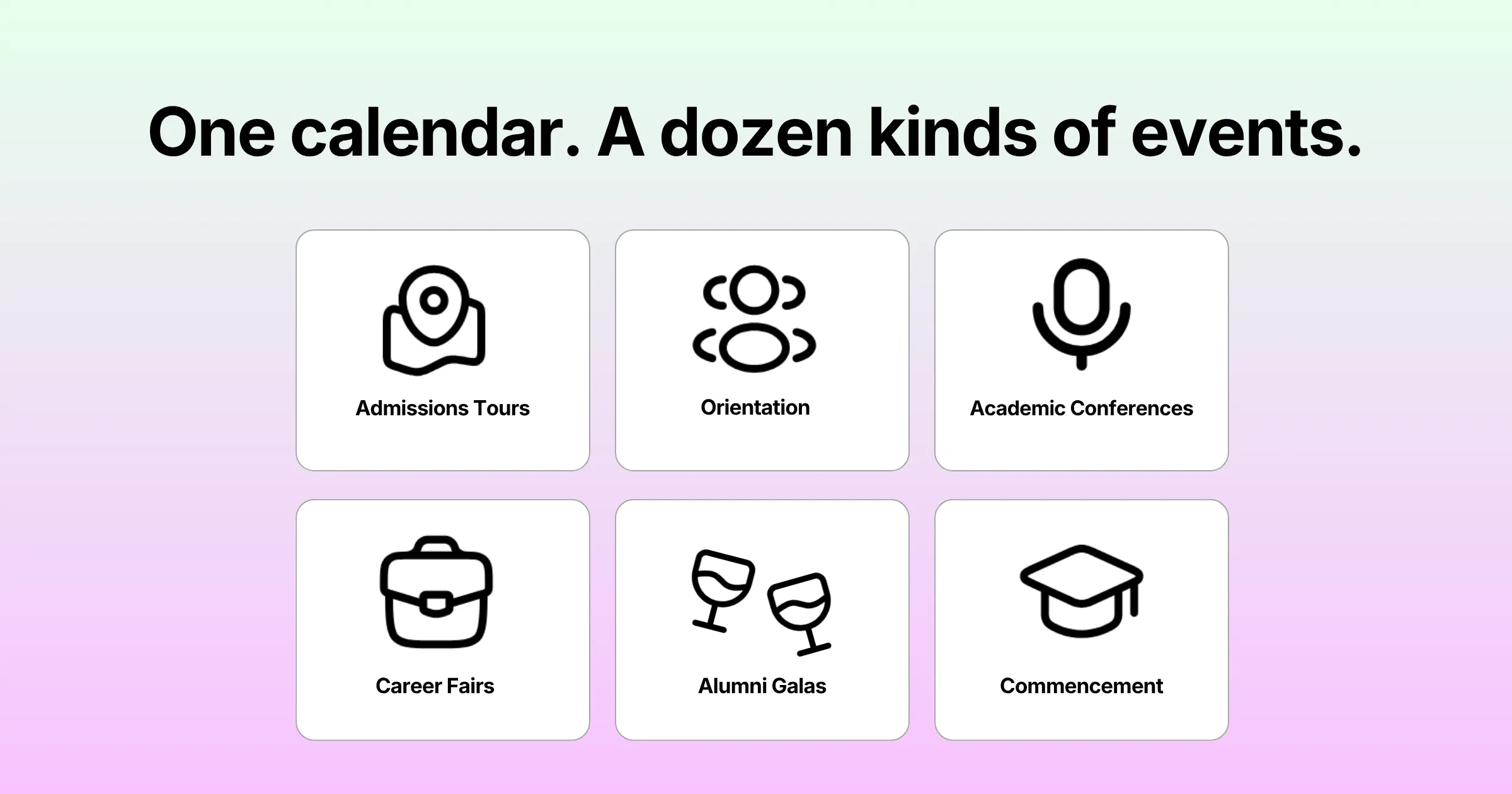
A university doesn’t run one kind of event. It runs a dozen, often in the same week, out of different offices. Each office has its own rules for who gets to see what data. Admissions is building a campus tour registration page. Orientation is finalizing a schedule for 4,000 incoming students. Alumni relations is sending save-the-dates for a reunion gala. The business school is quietly trying to fill 200 seats at a career fair. Eventually, all of them end up asking IT for a tool.
This is where generic event platforms tend to fall apart. Vendors built them for a single marketing team running one kind of event over and over. That team has one brand and one budget owner. A university, however, looks more like a holding company: ten departments, ten audiences, one name on the diploma. Force that structure into software designed for a corporate events team, and every office ends up improvising. One lands on spreadsheets, another on a consumer form tool, a third quietly paying for its own vendor.
What This Category Actually Covers
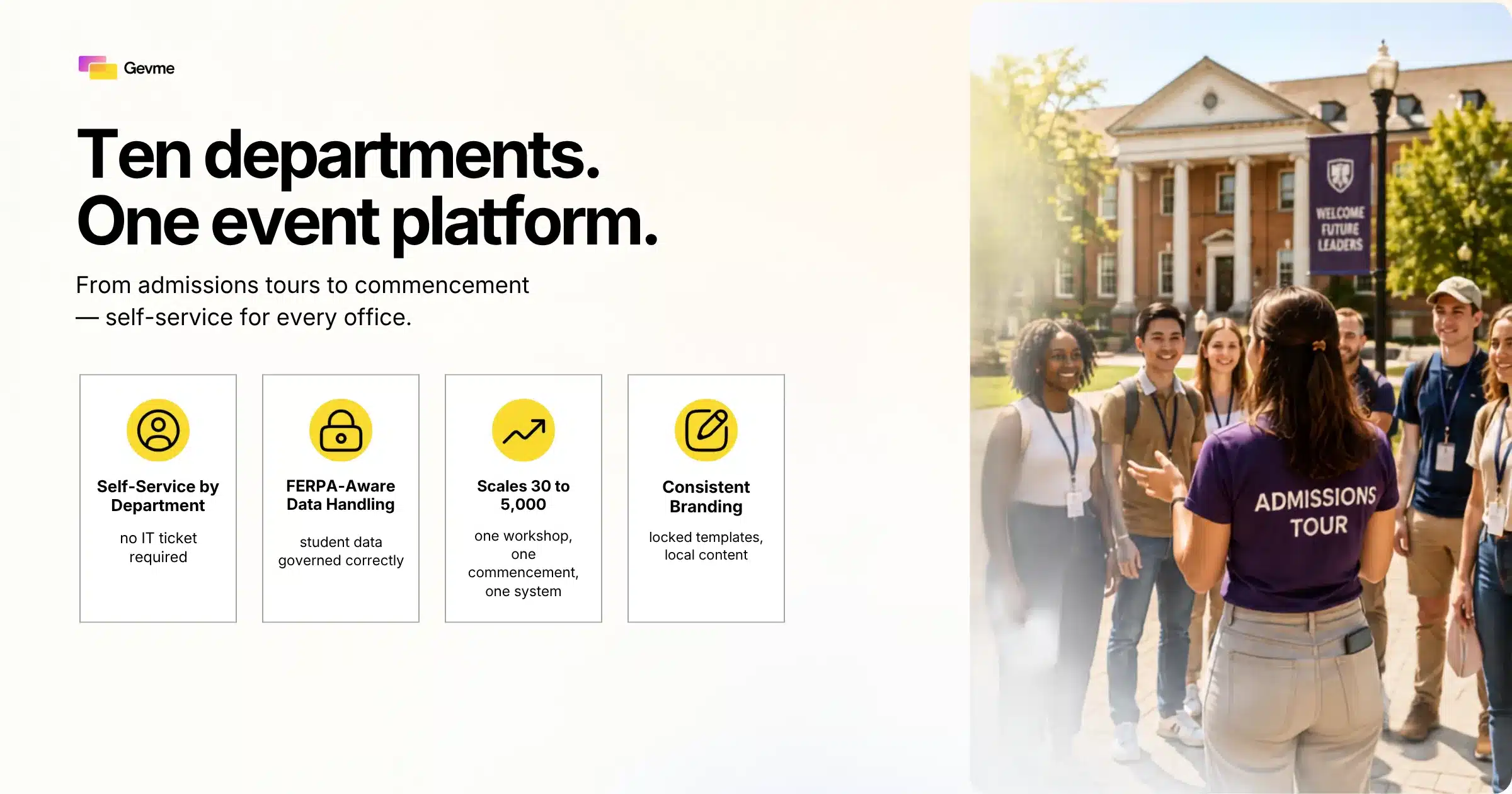
Event management software for universities is a registration and event operations platform built to run under one institutional account. It also gives individual departments, from admissions to alumni relations, self-service tools for their own events. They manage those events without routing every change through central IT. The distinction matters, because higher education carries requirements that consumer and small-business event tools were never built to solve. Student data intersects with FERPA. Procurement processes can stretch for months. Brand guidelines apply across every department’s page. And attendance swings from 30 people in a seminar room to 5,000 on a football field for commencement.
This guide breaks down what actually separates higher education from corporate events. It covers the features worth checking once you’re past the demo. It also covers what changes when the audience is alumni and donors instead of prospective students. Finally, it lays out a practical framework for running your own evaluation without losing a semester to sales calls.
Key Takeaways
- One platform, many departments. Admissions, orientation, academic conferences, career services, and alumni relations all need to run on the same system at once. Each needs its own branding and permissions.
- Self-service beats central IT tickets. Departments will build workarounds outside your registration system if every event page requires a request to the web team. That defeats the reason you bought the platform in the first place.
- FERPA and data governance aren’t optional. Registration data collected at campus events can touch the same privacy concerns as other student records. So any system handling it needs documented access controls and retention rules, not marketing-lead-list treatment.
- Scale swings hard. The same account needs to handle a 30-person departmental workshop and a 5,000-person commencement without switching tools mid-year.
- Alumni events are a different animal. Donor and alumni event software needs long-term relationship tracking that admissions or orientation tools simply don’t require.
- Reporting has to satisfy administration, not just the event planner. Good higher education platforms tie numbers to enrollment, engagement, or fundraising outcomes for budget owners and provosts, not just headcount.
Why University Events Don’t Fit Generic Event Software
Vendors built most event platforms on the market around one use case. That use case is a marketing or events team running product launches, trade shows, or corporate conferences. It assumes one brand, one approval chain, and one event type repeated with small variations. None of that holds on a campus. Because of that gap, higher education buyers evaluate vendors on a different scorecard than a corporate team would.
One Office, Ten Different Event Types
In a single academic year, a university’s calendar might include admissions open houses and new student orientation. Then come academic conferences with speaker tracks, career fairs with employer booths, and homecoming weekends. Donor dinners, commencement, and dozens of smaller department events round out the year. Each one has a different registration flow, different data needs, a different audience. A platform has to flex across all of them without forcing every office into the same template. That’s the real test of campus event management: one system, many very different jobs.
Multiple Departments, One System
The harder problem isn’t the variety. It’s that many of the people running these events have never used event software before. Most won’t use it again after this one. A career services coordinator planning a single fair a year doesn’t want to learn a complex platform. The tool needs to be simple enough that a first-time user builds a working registration page in an afternoon. At the same time, it has to handle the professional events team running commencement two buildings over.
Budget Cycles and Procurement Reality
Universities buy software differently than companies do. Purchases typically go through a formal RFP process, plus sign-off from procurement and IT security. Evaluation runs against a multi-year contract rather than a monthly subscription. A platform might look perfect in a 30-minute demo. It will still stall in procurement if it can’t produce a security questionnaire or a data processing agreement. References from other higher education clients matter just as much. No matter how good the interface looks on screen, none of that polish moves the contract forward.
What Higher Education Event Management Software Needs to Handle
Beyond variety and scale, this category of software has to satisfy requirements that simply don’t come up elsewhere. A corporate events context never raises them. Treat the following three as non-negotiable, not nice-to-have, when you’re shopping for event management software for universities.
Student Data Privacy and FERPA
In the United States, student education records fall under FERPA. Registration data collected through campus event tools can brush up against those protections. The overlap is clearest when an event ties to academic programs, advising, or financial aid. That’s directional guidance, not a legal conclusion, and it’s not a substitute for advice from your own counsel. A platform used across a university needs clear data handling practices. Spell out who can access registrant data, how long you retain it, and how you capture consent. It’s not a box to check once during procurement. Your IT security team and general counsel’s office will want it documented in writing. That has to happen before any department starts collecting names and emails.
Branding Consistency Across Departments
A registration page for the school of engineering shouldn’t look like it belongs to a different institution. The alumni office’s gala page shouldn’t either. Both need to reflect the university’s visual identity. That holds even though different people with different design skills manage them day to day. The strongest tools solve this with locked brand templates. A communications team sets the fonts, colors, and layout once. Departments then fill in their own content without breaking the design underneath.
Seasonal Spikes: Orientation, Commencement, Career Fairs
Corporate events teams plan around a fairly even calendar. University events cluster hard around a handful of dates instead. Orientation week can mean thousands of students registering for sessions inside a 48-hour window. Commencement means issuing tickets to families under strict per-guest capacity limits. Career fairs mean managing employer booth registrations, student sign-ups, and interview scheduling all at once. A system that runs fine at low volume still has to hold up under pressure. Picture 3,000 people hitting the registration page in the same hour.
Core Features to Look For in Campus Event Management Software
Once you understand what makes higher education different, evaluating vendors gets a lot more straightforward. Here’s what actually matters once you’re past the demo.
Self-Service Tools for Departments
Good campus event management software puts the routine work in the hands of the department running the event. A central web team shouldn’t have to touch it.
- Template-based event creation. Staff should be able to clone a previous event or start from a branded template. Nobody should have to build a registration form from scratch.
- Role-based permissions. Each department should see and manage only its own events, while a central admin keeps oversight across the whole institution.
- No-code form building. Custom fields, waivers, dietary questions, and session selections should all work without a developer. That holds whether staff are running admissions tours or a full conference registration flow.
- Approval workflows. For events that need sign-off, whether budget, venue, or communications review, the platform should support that chain natively.
Integration With Existing Campus Systems
This kind of software rarely operates alone. It usually connects to a student information system for enrollment verification, plus a CRM for admissions or advancement. An email platform and, sometimes, a payment gateway tied to the bursar’s office round out the list. A platform that can’t integrate with these systems creates duplicate data entry. That’s where errors and privacy risk both creep in. So ask vendors specifically which systems they’ve connected at other higher education clients. Skip the integrations that are only theoretically possible on a roadmap.
Reporting That Satisfies University Administration
A department head wants to know if their open house drove applications. The provost’s office wants aggregate numbers across every campus event for the annual report. Meanwhile, a development office wants to tie gala attendance to giving totals. Reporting needs to serve all three from the same underlying data set. Three separate exports that never quite match up won’t do.
Scalability From Workshops to Commencement
The same institutional account should comfortably handle a 30-person faculty workshop and a 5,000-person commencement ceremony. No plan upgrade negotiation should be required in between. Ask vendors what their largest single-event registration volume has actually been. Then ask what happens to page load times and check-in speed at that scale. This is the question that determines whether your registration page survives orientation week. So push on it before you sign anything.
University Event Registration Software: Getting the Front Door Right
Registration is the first experience a prospective student, incoming freshman, or returning alumnus has with your event. Often it is their first experience of the institution itself. Getting that front door right means solving a few problems generic form builders don’t prioritize.
Registration Forms That Adapt by Event Type
An admissions tour needs a simple form: name, email, preferred date, number of guests. An academic conference needs abstract submission, speaker bios, and session selection. Sometimes it needs a review workflow before an attendee is even confirmed. Good software handles both without forcing admissions staff to learn the conference tool, or vice versa.
Payment and Fee Handling
Career fairs charge employers a booth fee. Alumni events charge ticket prices that vary by reunion year. Conferences charge different rates for students, faculty, and outside attendees. Handling all of that cleanly is a good stress test for any registration platform. Think refunds, discount codes, and group billing back to a department’s cost center. That’s where you find out how flexible a tool really is once you get past the sales pitch.
Alumni Event Software: A Different Audience, A Different Bar
Alumni relations and advancement offices are usually the most demanding internal customer for this software. Their events tie directly to fundraising, not just attendance. Whatever tool they use has to hold up to scrutiny from the development team. The events team down the hall is not the only judge.
Donor Data and Long-Term Relationships
Unlike a one-off campus tour, this software needs to remember someone across years, not just a single registration. Consider a donor who attended a reunion gala in 2022 and a scholarship dinner in 2024. That donor should show up as the same person with a connected history, ideally synced with your advancement CRM. Lose that continuity and the development team loses visibility into engagement patterns that inform major gift strategy.
Ticketing, Galas, and Reunion Logistics
Alumni events often involve tiered ticketing, table sponsorships, seating charts, and VIP tracks for major donors. A simple registration form handles none of that well. The right platform supports assigned seating and sponsor recognition on event pages. It also reports on general attendees and donors at each giving level separately.
Point Solutions vs. a Single Campus Platform
Some universities end up running five or six different tools. One is for admissions, one for conferences, one for alumni events. One more arrived because a department liked a vendor’s pitch. It works, in the sense that events happen. However, it creates duplicate logins, duplicate data, and no unified view of who’s actually engaging with the institution. The alternative is a single platform instanced across departments. That keeps each team’s workflow independent while keeping data and branding consistent underneath.
| Factor | Point Solutions (Multiple Tools) | Single Campus Event Platform |
|---|---|---|
| Data view | Fragmented across departments | Unified, cross-department view of attendees |
| Branding | Inconsistent, tool by tool | Centrally controlled, locally editable |
| Procurement | Repeated RFPs, multiple contracts | One contract, one security review |
| Scalability | Varies by vendor, unpredictable | Consistent across 30 to 5,000 attendees |
| IT overhead | High, one integration per tool | Lower, single integration point |
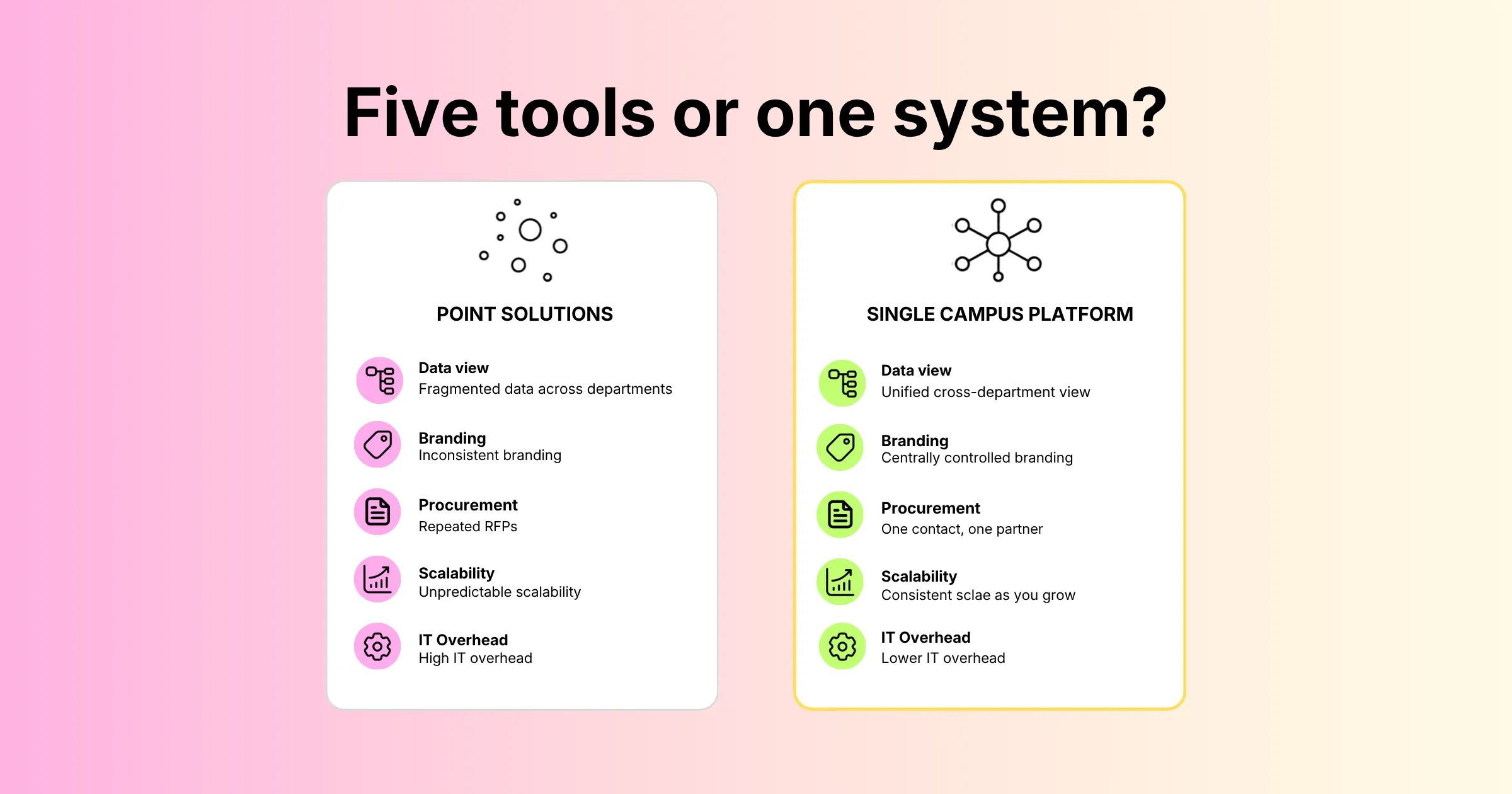
This comparison reflects general patterns we see in university procurement conversations, not benchmarks tied to any named competitor. Actual cost and IT overhead will vary by institution, vendor, and how many systems are already under contract.
Where the Comparison Falls Short
The table above is a simplification. A specialized point solution can genuinely outperform a general platform for one narrow use case. That said, most universities weighing their options find the administrative cost of running five disconnected tools too high. It tends to outweigh the marginal features any single tool offers. The same math applies to alumni event software versus a unified platform. It also applies to a standalone registration tool versus one account that does it all. If your team is still deciding, compare a dedicated event registration software platform against your current patchwork. Do that before renewing any single-department contract.
A Practical Framework for Evaluating Event Management Software for Universities
Once you’ve narrowed down vendors, run a structured checklist instead of judging platforms on demo polish alone. The following questions cover the ground that actually predicts whether a rollout succeeds or quietly stalls.
Questions to Ask Every Vendor
- Can departments self-serve without IT tickets? Watch a non-technical staff member build a test event during the demo, not just the sales engineer.
- What’s the largest event you’ve supported for a higher education client? Ask for volume numbers, not adjectives like “enterprise-grade.”
- How is student data handled under FERPA and your internal data policy? Request documentation in writing, not a verbal assurance on a call.
- What integrations exist with common student information systems and CRMs? Confirm with a reference customer, not just the vendor’s feature page.
- How does pricing scale across departments? Understand whether adding departments or events triggers a renegotiated contract every time.
- What does onboarding look like for a first-time department user? A slow, IT-dependent onboarding process will quietly kill adoption after the pilot ends.
Running a Pilot Before You Commit
Before signing a multi-year contract, run one real event through the software. Pick something with moderate complexity, like a career fair rather than a simple RSVP page. That pilot will surface integration gaps, reporting limitations, and usability issues faster than another round of demos ever will. Involve the department that will actually own day-to-day use, not just central IT. Those staff decide whether the tool gets adopted campus-wide or quietly abandoned by spring.
Pro Tip:
Before you shortlist vendors, get your admissions, alumni relations, and conference services teams in one room for an hour. Have each team list their three must-have features for a shared platform. You’ll find real overlap. A few features will show up on all three lists. Donor tracking for the gala, say, or self-service tools for orientation. Those are the ones worth prioritizing in every demo that follows.
Frequently Asked Questions
What is event management software for universities?
Event management software for universities is a registration and event operations platform designed for higher education institutions. It supports everything from admissions tours and orientation to academic conferences and alumni galas under one account. Individual departments get self-service tools, while administration keeps centralized oversight.
How is higher education event management software different from regular event software?
It has to support many event types and departments under one institutional account. It also has to work within FERPA-related data handling expectations. On top of that, it must maintain consistent branding across offices. And it needs to scale from small workshops to events with thousands of attendees. A single-purpose corporate events tool typically isn’t built to do all four at once. It might handle orientation week registration just fine. Then it falls apart the moment you ask it to run a reunion gala for alumni.
Does university event registration software need to integrate with our student information system?
In most cases, yes. Integration with a student information system or CRM avoids duplicate data entry. It also keeps registration records aligned with enrollment or advancement data, which matters for both accuracy and privacy. Without it, the registration tool becomes just another disconnected system that staff have to reconcile by hand.
What should we look for in alumni event software specifically?
Alumni event software should track relationships over multiple years and events. It should also support tiered ticketing and sponsorships, and integrate with your advancement CRM. Finally, it should separate donor-level reporting from general attendee counts. That separation lets the development office connect event attendance to giving history. Otherwise, every reunion looks the same.
How long does it typically take to roll out campus event management software?
Rollout timelines vary with procurement complexity. A common pattern is one semester for a single pilot event, such as one department’s conference or fair. Broader adoption then follows over the next one or two terms. Institutions with heavier security review or multiple integrations should expect the pilot phase to run longer.
Can one platform really handle both a 30-person workshop and a 5,000-person commencement?
Yes, provided the platform was built for that range from the start rather than scaled up after the fact. Ask vendors for actual attendance numbers from past higher education clients. Don’t take scalability claims at face value during a demo.
Conclusion: One System, Many Departments, No Compromises
The universities that get the most out of event technology don’t hand every department the same rigid tool. Hoping it fits rarely works. They pick a platform flexible enough to let admissions, orientation, and career services run events their own way. That platform also lets alumni relations run its own donor-focused workflows. Meanwhile, administration still gets one clean view of what’s happening across campus.
Getting there takes more than a good demo. It takes checking the FERPA and data governance boxes. It takes confirming the platform integrates with your student information system. And it takes running a real pilot event before you commit to a multi-year contract. Do that groundwork, and choosing event management software for universities stops being a leap of faith. Instead, it becomes a predictable decision.
Maybe your team is planning a high-volume event like orientation or commencement. You’ll want the on-site side to match the online registration experience. See how Gevme’s on-site event registration services handle check-in at scale. You can also request a demo to walk through your specific department mix.