Most event software does not target you. Vendors design it for a company with a full events department and a procurement process. They also assume a budget line that survives a bad quarter. So if you run a small business, manage an office, or handle marketing, that mismatch shows up fast. Maybe you somehow ended up running the client appreciation dinner. You sit through forty minutes of a demo covering features you’ll never touch. Then you walk away with no idea what the thing costs.
The problem isn’t that software built for smaller teams doesn’t exist. Instead, most of what’s out there carries pricing and packaging aimed at someone else. You usually figure that out only after signing a contract. Or you figure it out after a week spent wrestling with a free tool that can’t handle check-in.
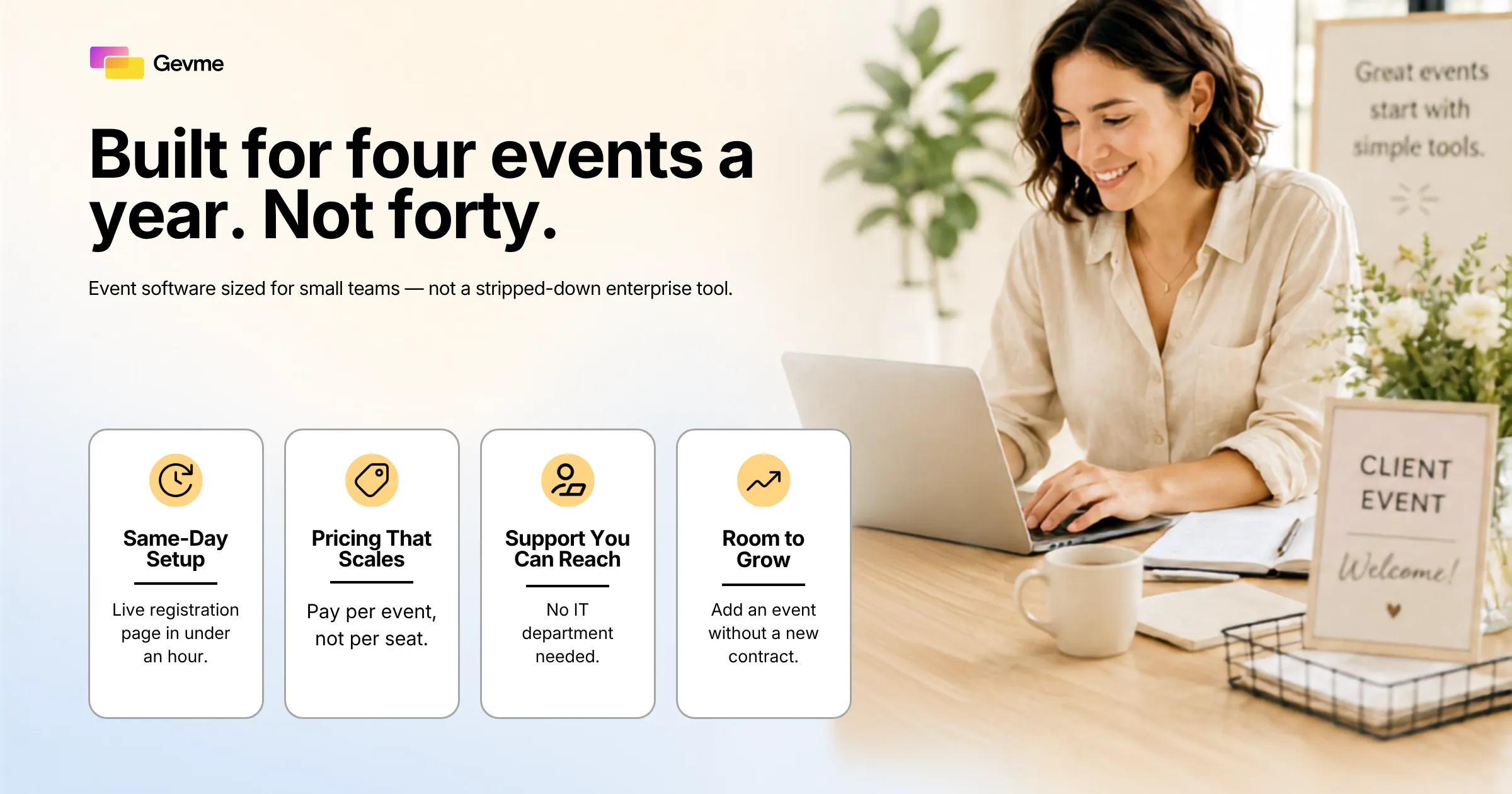
Event management software for small business covers a category of tools that suit a simpler reality. That reality means a handful of events a year and no dedicated events team. It also means you need a registration page live the same day you decide to run the event. However, it isn’t a stripped-down version of enterprise software. It’s a different set of priorities, built for speed and simplicity instead of depth and customization.
This guide covers how small business event needs actually differ from enterprise ones. It also covers what to look for when you’re evaluating options. Then it walks through the two mistakes small businesses make most often when picking event software. Finally, it gives you a decision framework to use before you commit to anything.
Key Takeaways
- Your needs are different, not smaller. Small businesses run fewer events, but each one carries more weight. So the software has to work well without a training period.
- Pricing that scales matters more than feature depth. Per-seat enterprise contracts and per-event platforms both penalize you for running events occasionally instead of constantly. They just do it in different ways.
- Ease of setup is a feature, not a nice-to-have. If you can’t build a registration page in under an hour without help, the tool is wrong for your team.
- Overpaying and underbuying are both common mistakes. Enterprise suites bury you in unused features. Spreadsheets and free tools bury you in manual work instead.
- Support responsiveness is part of the product. When you have no IT team, a slow support ticket carries real business risk. That is doubly true the day before your event.
- A short checklist beats a long demo. Decide what you actually need before you start comparing vendors, not after.
- The right fit today should still work as you grow. Event software for small teams needs room to add an event or an organizer. That growth shouldn’t force you into an enterprise contract you didn’t ask for.
How Small Business Event Needs Actually Differ From Enterprise
It’s tempting to assume small business event software is just enterprise software with fewer bells and whistles. That’s not quite right. Treating it as a smaller version of enterprise tools misses the point. In fact, the differences here are structural, not just a matter of scale.
No Dedicated Events or IT Staff
In a large company, someone owns the event platform full time. They configure integrations, manage user permissions, and file a ticket when something breaks. In a small business, that person is you. You’re also doing marketing, ops, or finance the rest of the week. So the tool has to work without an IT department standing behind it. Say setup requires a call with an implementation specialist and a two-week onboarding schedule. That’s already the wrong fit for how you actually work.
Fewer Events, Higher Stakes
A large enterprise might run several dozen events a year. It can absorb one mediocre one without much damage. A small business might run four, and each one matters more. A product launch, a client appreciation event, a local workshop, a small conference, these are not routine. Instead, they’re often the events that bring in next quarter’s business. They can also keep an existing client relationship warm. So software in this category needs to hold up under that pressure the first time, not after a dry run.
Budgets That Don’t Stretch to Enterprise Contracts
Vendors usually sell enterprise event platforms on annual contracts. Those contracts carry minimums that assume continuous, year-round usage. They don’t fit four events spread across twelve months. That math doesn’t work for a small business. You end up paying for capacity you’ll never touch. Because of that, affordable event management software exists as its own category. It isn’t just a cheaper trim level of enterprise tools. Vendors price it for how small businesses actually operate, not for how large companies do.
In practice, this means favoring vendors that publish per-event or per-attendee pricing up front. The alternative makes you sit through a sales call just to get a number. Say a vendor can’t tell you what a typical customer pays without a conversation first. Take that as a signal while you compare your options. Vendors confident in their pricing tend to just show it to you. That same confidence usually previews what day-to-day ownership will actually feel like.
Growth That Happens Gradually, Not All at Once
A small business rarely jumps from four events a year to forty. Growth in this category tends to be gradual. You might add one more workshop this year and a second product launch next year. Maybe a small regional event follows the year after that. That’s good news, because you don’t need to buy for a future you can’t predict yet. The right platform lets you add events, attendees, or a second organizer. It does that without a plan change or a call to sales. Some tools only grow with you by pushing you into an enterprise contract. That push arrives the moment you cross some low usage threshold. Those tools never really suited small teams to begin with. They were enterprise software with a bolted-on starter tier.
What to Actually Look For in Event Management Software for Small Business
Accept that your needs are genuinely different, and the evaluation criteria change with them. Here’s what actually matters once you start comparing small business event planning software options.
Ease of Setup and Same-Day Usability
You should be able to build a working registration page and set a few form fields. You should also send a confirmation email without reading a manual or booking a training session. Test this directly during any trial. Open a blank account and try to get a basic event live in under an hour. If you can’t, that’s a real signal, not a minor inconvenience. The best tools in this category let a non-technical person reach a working event page in one sitting.
Pricing That Scales With How Often You Run Events
Enterprise contracts usually center on a fixed annual fee or a per-seat license. Both of those assume constant, high-volume usage. A small business running a handful of events a year needs pricing that reflects actual usage instead. So look for plans priced per event. Tiered plans work too, as long as they use a realistic number of attendees and events per year. Avoid anything that assumes monthly activity. The whole point of pricing built for this segment is simple. Match cost to how often you actually run events, not to a hypothetical bigger version of your business.
Support You Can Reach When Something Breaks
When you don’t have IT staff, support responsiveness stops being a nice-to-have. It becomes part of the product itself. Ask, before you buy, what the actual support channel looks like. Is it live chat, or email with a 48-hour response window? Or is it a community forum you have to search through yourself? Then ask what happens if something breaks the morning of your event. A vendor that can’t answer that clearly is telling you something.
This matters more for a small team than it does for a large company. You don’t have a backup person to call if the vendor goes quiet. So try emailing support with a real question before you buy, not after. Time the response. If it takes three days to hear back during the sales process, it won’t get faster later. That’s a problem once you’re a paying customer with an event next week.
The Core Features You Actually Need
Small businesses generally need a short, specific list of things to work well. A long list of features that merely exist somewhere in a settings menu helps nobody. This is where event management software for small business teams earns its keep. Or it loses you after the first event.
- A simple registration page. Something you can build and publish without a designer or developer.
- Basic email reminders and confirmations. Automated enough that you’re not manually emailing every registrant.
- Check-in on the day. A way to scan or search attendees at the door without a paper list.
- A registrant list you can export. Names, emails, and any custom fields you collected, in a format you can actually use afterward.
- Simple reporting. Headcount, attendance rate, and basic breakdowns, not a full analytics suite you’ll never open.
- Room to add a second event or organizer. One more person should be able to help out. You should also be able to add one more event mid-year, without a new contract negotiation.
- Pricing you can find without a sales call. The vendors worth considering publish their plans and costs where you can see them. They don’t hide them behind a “request a demo” form.
Common Mistakes Small Businesses Make When Choosing Event Software
Most of the pain in this category comes from one of two mistakes. They sit at opposite ends of the spectrum.
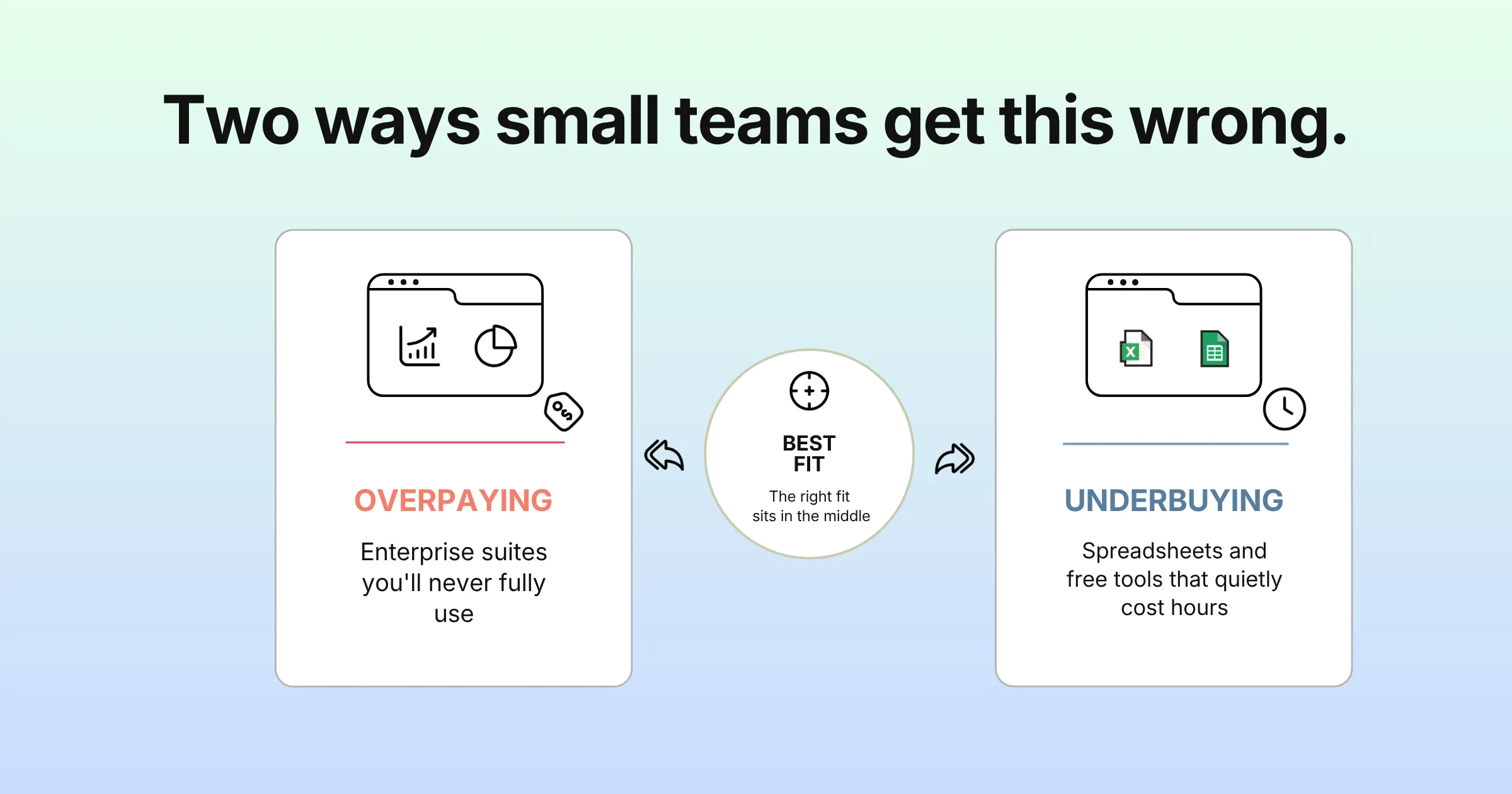
Overpaying for Enterprise Suites You’ll Never Fully Use
It’s easy to admire a platform with dozens of features and a polished sales demo. But if you’re running three or four events a year, most of that platform will sit unused. You’ll pay for advanced integrations, multi-track session management, and enterprise-grade permissioning. A small team simply doesn’t need any of it. The result is a tool that costs far more than it should. It still doesn’t feel simple to use, because the vendor never made simplicity the priority. The irony is that a plan built for your actual usage would have cost less from day one. It would have worked better too.
Underbuying With Spreadsheets and a Free Ticketing Tool
The opposite mistake is just as common. A lot of small businesses default to a spreadsheet for registrations and a free ticketing tool for signups. They then add a separate email tool for reminders and stitch the whole thing together by hand. This feels free, but it isn’t. Someone has to copy every registration across manually. Check-in day becomes someone standing at a table with a printed list, crossing off names. Reminder emails go out late, or not at all, because nobody remembered. The real cost shows up as hours of manual work. It also shows up as a worse experience for the people arriving at your event. Budget event management software exists specifically to close this gap. It does that without pushing you into enterprise pricing.
| Approach | Typical Setup Time | Typical Cost Pattern | Best Fit |
|---|---|---|---|
| Enterprise event suite | Often weeks, with onboarding calls | Annual contract or per-seat licensing; five-figure minimums are common | Companies running dozens of events a year with a dedicated events team |
| Spreadsheets plus free ticketing tool | Hours per event, repeated each time | No software cost, but heavy in manual labor | Very small, informal gatherings with minimal registration needs |
| Purpose-built small business event software | Typically under a day, self-service | Per-event or usage-based pricing | Small businesses running a handful of events a year without dedicated staff |
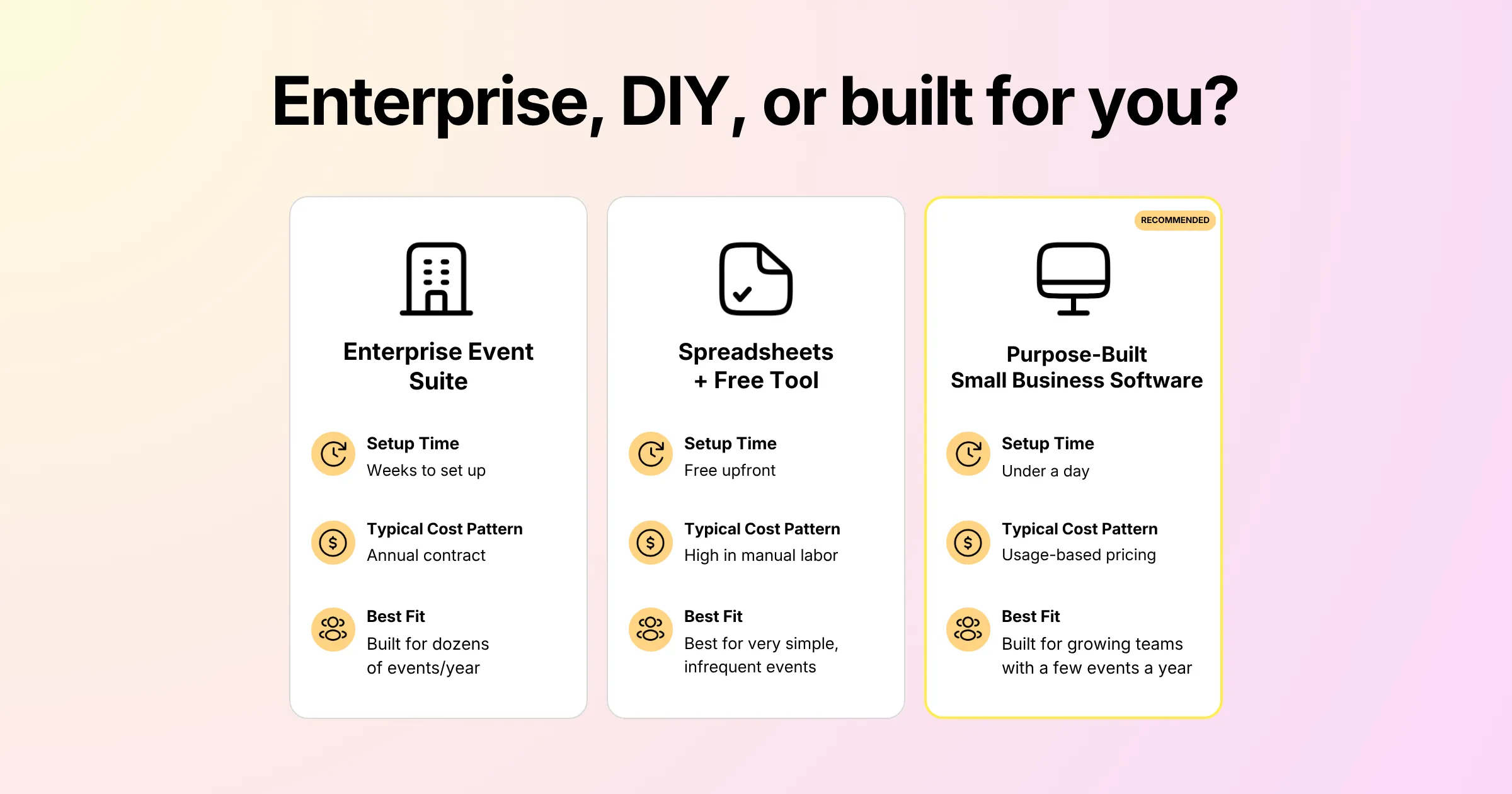
These are general patterns we see across the market, not numbers from any single vendor. Actual setup time and pricing vary by provider, contract terms, and event size. So confirm the specifics directly with whoever you’re evaluating.
Where Purpose-Built Tools Land Between the Two Extremes
The pattern in that table holds up in practice. Enterprise suites cost the most and take the longest to get running. Spreadsheets cost the least upfront, but they eat your time on every single event. Tools built specifically for this segment tend to sit in the middle by design. They earn that middle position by cutting setup time. They don’t cut corners on the things that matter on event day. That’s true whether you compare a lean, low-cost option built for a very small team. It also holds for a slightly bigger plan built for a growing one. Either way, you should land on a live registration page the same day you start. The same month isn’t good enough.
A Practical Decision Framework for Choosing Event Software
You could sit through five demos and compare feature checklists that all start to look the same. Instead, answer a short set of questions first.
Questions to Answer Before You Start Comparing Vendors
- How many events will you actually run this year? Be honest. If it’s three to six, you don’t need enterprise pricing.
- Who will be setting this up? If the answer is “whoever’s free that week,” the tool needs to be usable without training.
- What’s the one moment that can’t go wrong? For most small businesses it’s check-in day. Make sure that specific feature is solid, not just present.
- What happens after the event? You’ll want a clean export of registrant data for follow-up. A report trapped in a proprietary dashboard won’t do.
- What does support actually look like? Get a real answer on response time before you commit, not a vague promise.
- Is the pricing actually affordable for your volume? Run the numbers on what you’d pay at your real volume. Then compare that to a full year of an enterprise contract you’d barely use.
- Does the vendor build for small teams, or just sell a cheap version of something bigger? There’s a difference between a tool built intentionally for small teams and a stripped-down enterprise product. In the second case, the vendor quietly removed the advanced features.
Red Flags Worth Walking Away From
A few warning signs are worth taking seriously during evaluation. Pricing that’s only available after a sales call is one. That’s especially true if the vendor won’t give even a ballpark figure. A trial that requires a scheduled onboarding session before you see the product is another. It usually means the interface can’t explain itself. And a features list that’s mostly about integrations with tools you don’t use is a third. That sign tells you the vendor had a different kind of customer in mind. None of it looks like a good fit for a small team.
Maybe you’re weighing a full platform against patching together spreadsheets and free tools. In that case, look at what dedicated event registration software actually replaces. It takes over manual list management and missed reminder emails. It also removes a check-in process that depends on someone remembering to check a printout. For a small business running a handful of events a year, that trade tends to pay for itself. The payoff arrives after the first event where nothing goes wrong.
Pro Tip:
Before you book a single demo, write down three tasks. Your event management software for small business absolutely has to handle them without help. Those tasks are building the registration page, sending reminders, and checking people in at the door. Then test exactly those three tasks yourself during any trial. Work on your own, with no sales rep guiding you through it. If you can’t complete all three in under an hour, the tool isn’t right for a small team. That holds no matter how good the rest of the feature list looks.
Frequently Asked Questions
What is the best event management software for small business use?
The best event management software for small business use charges per event or by usage. It avoids locking you into an annual seat license. It also lets you get a working registration page live without formal training. The right specific choice still depends on how many events you run and what you need on the day. So treat this as a baseline rather than a single named winner.
How much does affordable event management software typically cost?
Affordable event management software for small businesses generally charges per event or uses a tiered plan based on attendee count. That’s different from a flat annual enterprise contract. Exact numbers vary by vendor and event size. So always ask for a real quote before signing anything, because some vendors only share pricing after a sales call.
Can small business event planning software handle check-in on the day of the event?
Yes, most small business event planning software includes some form of digital check-in. That usually happens through QR code scanning or a searchable attendee list on a phone or tablet. This is one of the features worth testing directly during a trial. After all, it’s the one moment during your event where the software absolutely cannot fail.
Do I need event software for small teams if I only run a few events a year?
Yes, if those few events matter to your business, which they usually do. Dedicated software is worth it even at low volume. The alternative is spreadsheets and manual reminders. That combination tends to cost more in staff time than a low-cost platform would. The gap shows up once you count the hours spent fixing mistakes.
What’s the difference between budget event management software and enterprise platforms?
Budget event management software suits occasional use by a small team without dedicated staff. Vendors price and design it that way on purpose. Enterprise platforms, however, assume continuous use by a dedicated events department with IT support. The features often overlap on paper. But the setup time, pricing structure, and day-to-day usability serve very different customers.
What features should a small business skip paying for?
Skip anything built for scale you don’t have. That includes multi-track session management, complex approval workflows, deep CRM integrations, and enterprise-grade user permissioning. These features most likely pad the price of enterprise suites. They add no real value for a team running a handful of events a year.
Is affordable event management software actually good enough for a real event?
Yes, as long as “affordable” describes the pricing and not the functionality. A good low-cost option should still handle registration, reminders, and check-in. It shouldn’t cut corners on the things that go wrong in front of your guests. Choosing a lean plan over an enterprise suite means skipping depth you don’t need. That means multi-track session builders or advanced approval chains, not reliability on the day of the event. A tool you can’t trust with a real event isn’t affordable. It’s just cheap.
Conclusion: The Right Fit, Not the Biggest Feature List
Choosing event management software for small business use comes down to one thing: fit, not feature count. The right tool matches how you actually operate. That means a handful of events a year and no dedicated staff. It also means a genuine need to get things live quickly without a manual. The businesses that get this wrong usually err in one of two directions. Some pay enterprise prices for tools they’ll barely use. Others try to save money with spreadsheets and free tools that quietly cost far more in manual labor. A lean plan built for a very small team can be the right call. So can a bigger plan built for a growing one. What matters is the label matching the size of the problem you actually have.
Keep the Evaluation Short and Practical
The framework is simple even if the market isn’t. Know how many events you run and who’s setting the software up. Know what absolutely can’t go wrong on the day. Then test the basics yourself before committing to anything. That holds whether you compare a three-events-a-year setup against a platform built for thirty. It also holds when you pick between two vendors that look nearly identical on paper. A short evaluation done properly beats a long demo every time.
Maybe cost is the main thing holding you back from switching off spreadsheets. In that case, check Gevme’s pricing to see exactly what a plan built for occasional, small-scale events actually costs.
Get these fundamentals right, and event management software for small business teams stops being a compromise. Instead, it becomes the tool that gets your next event out the door on time.