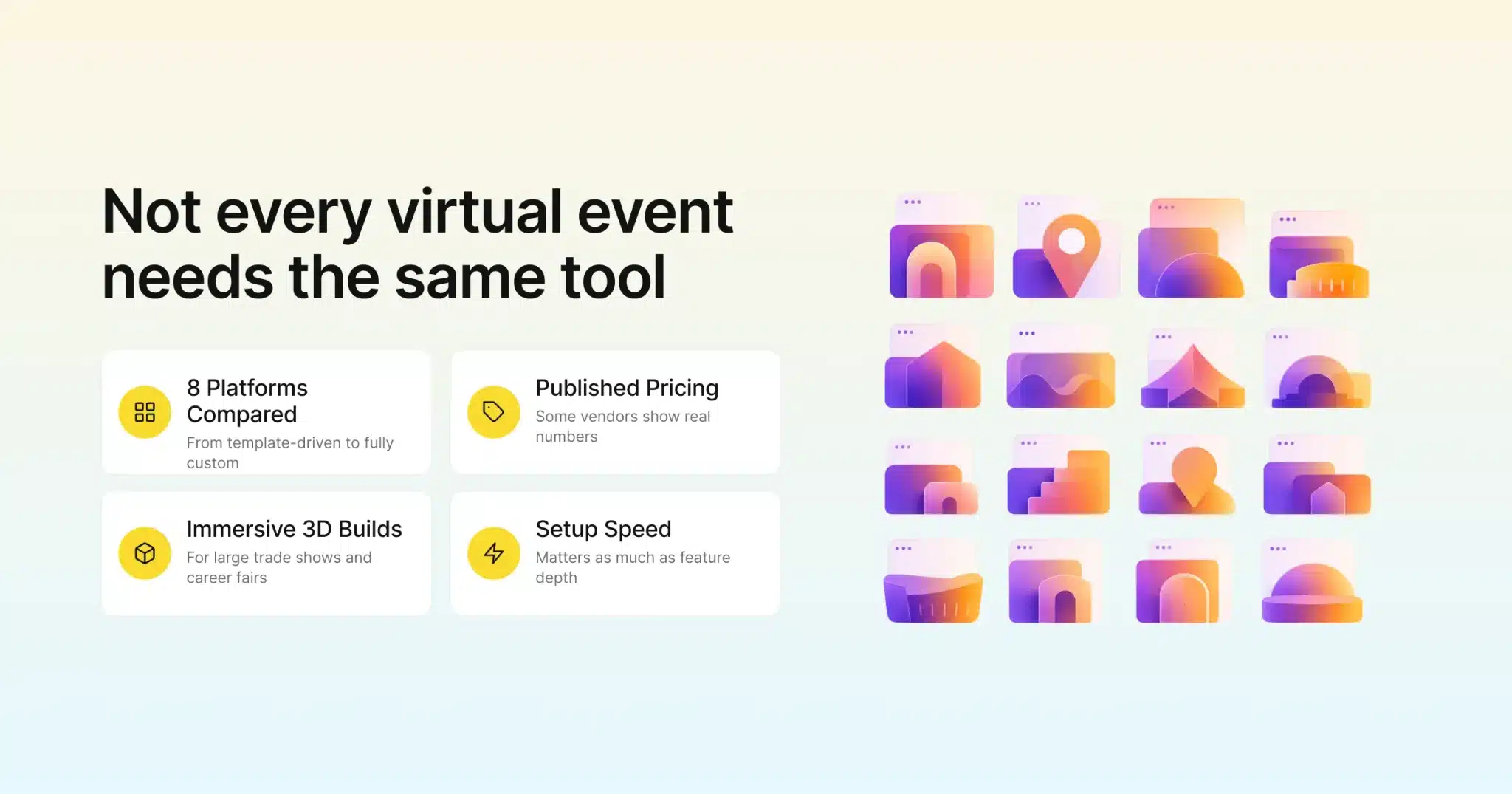
Picking a virtual event platform used to mean choosing between a handful of webinar tools. They all looked roughly the same. That’s not the market anymore. Some platforms now build fully branded 3D venues. Others focus on fast, template-driven setup for teams running a heavy calendar, and a few are really just souped-up webinar software wearing an events label. Figuring out which category you actually need is most of the battle.
Part of that shift is just event teams getting more specific about what they actually need. A career fair with ten thousand attendees browsing exhibitor booths and a 200-person internal town hall used to get lumped into the same “virtual event software” search. That happened even though almost nothing about how you’d run them is the same. The platforms below have sorted themselves into fairly distinct lanes as a result. Some are immersive and custom, some are fast and template-driven, and a few are built specifically around one job like webinars or demand generation.
This list covers the platforms event teams shortlist most often in 2026, what each one is actually built for, and what’s publicly known about pricing. A side-by-side table makes the comparison easier. Gevme is included here as the platform built around connecting virtual, registration, and on-site data in one system, and it’s a fair benchmark to measure the rest against. The goal of this guide, though, is to help you find the right fit for your events, not just one name.
Key Takeaways
- The right virtual event platform depends on your event type more than anything else. A trade show, a webinar series, and an internal town hall don’t need the same tool.
- Gevme combines a template-rich virtual venue, over 50 themes, with registration and on-site check-in in one connected system. It also publishes its pricing tiers upfront.
- vFairs is built for large, highly immersive 3D events like trade shows and career fairs. Pricing is handled through a custom quote.
- Zoom Events and Webex Events extend familiar video conferencing tools into lighter virtual event formats. That suits teams that already run on that ecosystem.
- ON24 leans into B2B marketing and demand generation, with engagement and analytics tools built for lead capture.
- Pricing transparency varies a lot across this list. Some vendors publish real numbers, and several route every quote through a sales call.
- Setup speed and event volume matter as much as feature depth. A platform built for one flagship event a year handles a busy calendar very differently. It’s a different job than one built for speed and repeatability.
What to Look for in a Virtual Event Platform
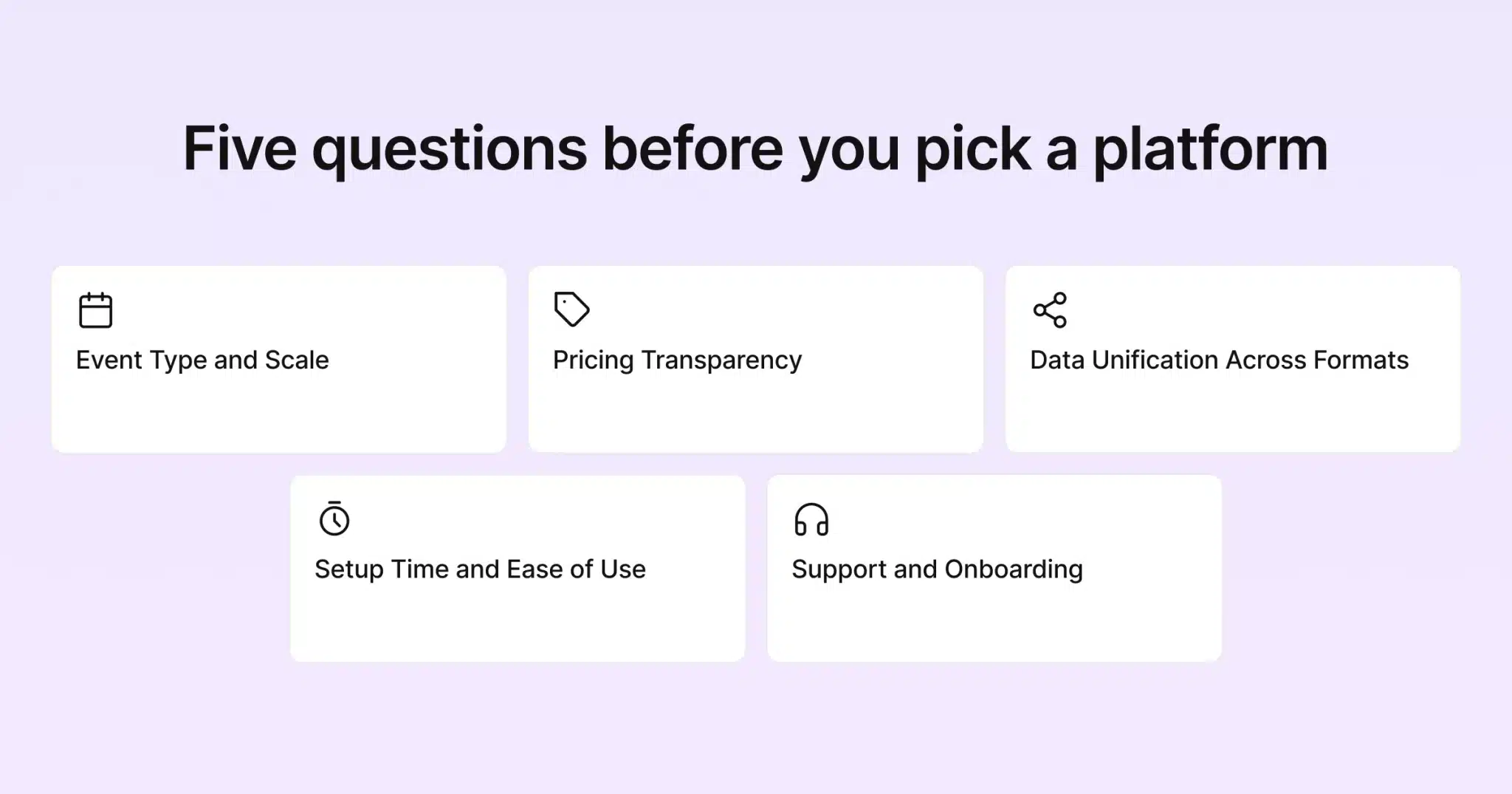
Before comparing platforms directly, it helps to know which criteria actually matter for your event. “Best” depends heavily on what you’re running.
Event Type and Scale
A career fair with thousands of attendees browsing exhibitor booths needs different tooling than a 200-person product launch webinar. Platforms built for large, immersive trade shows tend to carry more setup overhead than ones built for fast, repeatable events. Matching the platform to your actual event size avoids paying for capability you won’t use.
Pricing Transparency
Some platforms publish tiered pricing you can review before talking to anyone. Others are entirely quote based, which usually means a longer sales cycle before you know your real cost. Neither approach is automatically wrong. But if you’re trying to budget a full year of events in advance, published pricing makes that a lot easier.
Data Unification Across Formats
If your events span virtual, hybrid, and in-person formats, check whether registration, attendance, and engagement data actually live in one system. The alternative is manual exports to reconcile. This becomes a bigger issue the more events you run each year.
Setup Time and Ease of Use
A platform with a steep learning curve can still be worth it for a single major annual event. That’s true as long as there’s a dedicated team behind it. For a busier calendar, speed to launch matters more. So does how self-serve the platform actually is, usually more than a longer feature list.
Support and Onboarding
A platform that looks great in a demo can still fall flat. That happens if support disappears the moment your event goes live. Some vendors on this list include a dedicated project manager and 24/7 support as standard. That suits teams that want a vendor closely involved in the build. Others scale support by plan tier. That works well for teams that mostly need responsive help rather than a hands-on partner for every event. Neither model is wrong. But it’s worth asking directly what support looks like during a live event, not just during setup.
A Few Terms Worth Knowing
A couple of terms come up a lot when comparing this list, so here’s a quick plain-English rundown.
Virtual venue refers to the branded online space attendees move through during an event. That could be a simple set of pages or a fully 3D environment with avatars.
RTMP streaming is a way of pushing your event’s video feed out to other platforms, like YouTube or a custom player. It happens at the same time the feed plays inside the event platform itself.
Demand generation is marketing language for using an event, often a webinar, to capture leads and feed them into a sales pipeline. The focus is pipeline, not purely attendee experience.
White-label means a platform can be rebranded to look like your own product. The vendor’s name is removed from the attendee-facing experience.
The Best Virtual Event Platforms in 2026
Here’s how the platforms event teams compare most often actually stack up. It starts with the ones built around a connected, template-driven approach and moves toward more specialized and enterprise-focused options.
Gevme
Gevme is built around three connected pillars: hosting an event, running it, and proving its impact afterward. Registration, virtual, and on-site check-in share the same attendee data by default. The Virtual Venue Platform includes a Free plan with the website builder, virtual venue editor, and more than 50 themes and experiences. A first event can go live without a custom build. Paid tiers add the event mobile app, custom themes, business matchmaking, and RTMP streaming for pushing content to external platforms. What sets Gevme apart on this list is that it’s just as strong for a standalone virtual event as it is for the virtual half of a hybrid one. Pricing is published upfront too: Starter at USD $960 per year, Pro at USD $2,160 per year, and a custom-quoted Enterprise tier.
Best for: teams running a varied calendar of virtual, hybrid, and in-person events. They want one connected system and pricing they can see before committing.
Where Gevme tends to pull ahead on this list specifically is repeatability. Loading a new theme and pointing it at an existing registration flow takes a fraction of the time a fully custom build does. That matters a lot more once you’re running a dozen events a year instead of one.
vFairs
vFairs has built its reputation on large, immersive 3D virtual environments, animated avatars, and branded booths. Together, those make a virtual trade show floor feel like an actual space rather than a livestream. Per vFairs’ own site, the company states it has powered more than 50,000 events for over 100 million attendees. Smart and AI-driven matchmaking, gamification, and accessibility tooling like screen readers and live captions are built into the platform. Pricing is entirely custom. vFairs’ pricing page routes every visitor to a demo request rather than showing numbers, as of mid-August 2026.
Best for: large-scale virtual trade shows, career fairs, and conferences where a highly custom, immersive environment is the priority.
That level of custom build usually comes with a longer setup timeline and a dedicated project manager on the vendor side. That’s a fair trade for a single flagship event, but a heavier lift if you’re trying to stand up several events a year on the same platform.
Zoom Events
Zoom Events extends the familiar Zoom video platform into a dedicated events product. Ticketing, a virtual expo floor, and networking tools are layered on top of the video calling most teams already know. It’s a comfortable choice for organizations that already run internal meetings and webinars on Zoom. They get a lighter-weight events option without adopting an entirely new interface. Per Zoom’s own pricing page, checked mid-August 2026, no specific dollar figures are published for Zoom Events. The page describes subscription and pay-per-attendee options but routes every plan through a sales conversation.
Best for: teams already standardized on Zoom who need a simpler virtual event without a steep learning curve.
Webex Events
Webex Events (formerly Socio) is Cisco’s entry into the space. It’s built for enterprise and security-conscious organizations that need virtual and hybrid event tools alongside strict data handling requirements. It covers registration, a mobile event app, and virtual sessions. It’s aimed at corporate and association events where security sign-off matters as much as the attendee experience. Cisco has since folded the standalone webinar product into Webex Webinars. Per Webex’s own pricing page, checked mid-August 2026, the core plan isn’t priced publicly either, it’s a “contact sales” tier. A real-time translation add-on, though, is listed at $300 per license per year.
Best for: enterprise teams that need a secure, Cisco-backed platform and already work within that ecosystem.
ON24
ON24 is built specifically for B2B demand generation. Its webinar and virtual event experiences are designed to capture engagement data and feed it straight into marketing and sales systems. It’s less about immersive environments and more about turning virtual attendance into pipeline. Its analytics are built for marketing teams rather than event operations teams. ON24’s pricing page lists three tiers, Essentials, Standard, and Advanced, all of them “request pricing” rather than showing a number, as of mid-August 2026.
Best for: B2B marketing teams running webinars and virtual events as a lead generation channel.
Bizzabo
Bizzabo’s Event Experience OS is built for large, brand-heavy conferences. It includes a polished website builder, a full-featured mobile app, and the Klik SmartBadge wearable line for physical networking and lead capture. Pricing starts at a published $499 per user per month with a three-user minimum, working out to a floor of $17,999 per year. Add-ons and premium features, though, require a custom quote.
Best for: large annual flagship conferences with the budget and internal team to run a comprehensive platform.
BigMarker
BigMarker focuses on webinars and webinar-style virtual event series, with white-label branding options and automation tools for running recurring programs. It’s a narrower tool than the full event platforms on this list. It’s built specifically for teams whose primary format is webinars rather than multi-day conferences or trade shows. Per BigMarker’s own pricing page, checked mid-August 2026, all three tiers are “let’s talk” plans rather than published numbers: Basic, Enterprise, and Enterprise+.
Best for: teams running recurring webinar series who want white-label branding without a heavier events platform.
Whova
Whova is built around community and networking, with a mobile app that’s become a familiar face at mid-size conferences. Attendee-to-attendee networking, session bookmarking, and gamified engagement are core strengths. It leans more toward the conference and community side, though, than large-scale immersive virtual environments. Whova’s pricing page is a quote request form rather than a rate card, confirmed mid-August 2026.
Best for: mid-size conferences where attendee networking and a strong mobile app experience matter most.
Virtual Event Platforms Compared
| Platform | Pricing model | Virtual strength | Best fit |
|---|---|---|---|
| Gevme | Published tiers, Free plan available | Template-rich venue, 50+ themes, registration and on-site connected | Mixed calendars needing one connected system |
| vFairs | Quote based | 3D immersive environments, avatars, gamification | Large trade shows and career fairs |
| Zoom Events | Quote based, no published numbers | Video-first, lightweight event layer | Teams already standardized on Zoom |
| Webex Events | Quote based, no published numbers | Secure, Cisco-backed virtual and hybrid tools | Enterprise and security-conscious teams |
| ON24 | Quote based, no published numbers | Engagement and analytics for demand generation | B2B marketing and lead generation |
| Bizzabo | Published floor, add-ons quoted | Brand-heavy conference experience | Large flagship annual conferences |
| BigMarker | Quote based, no published numbers | Webinar series and automation | Recurring webinar programs |
| Whova | Quote based, no published numbers | Networking and mobile app | Mid-size conferences |
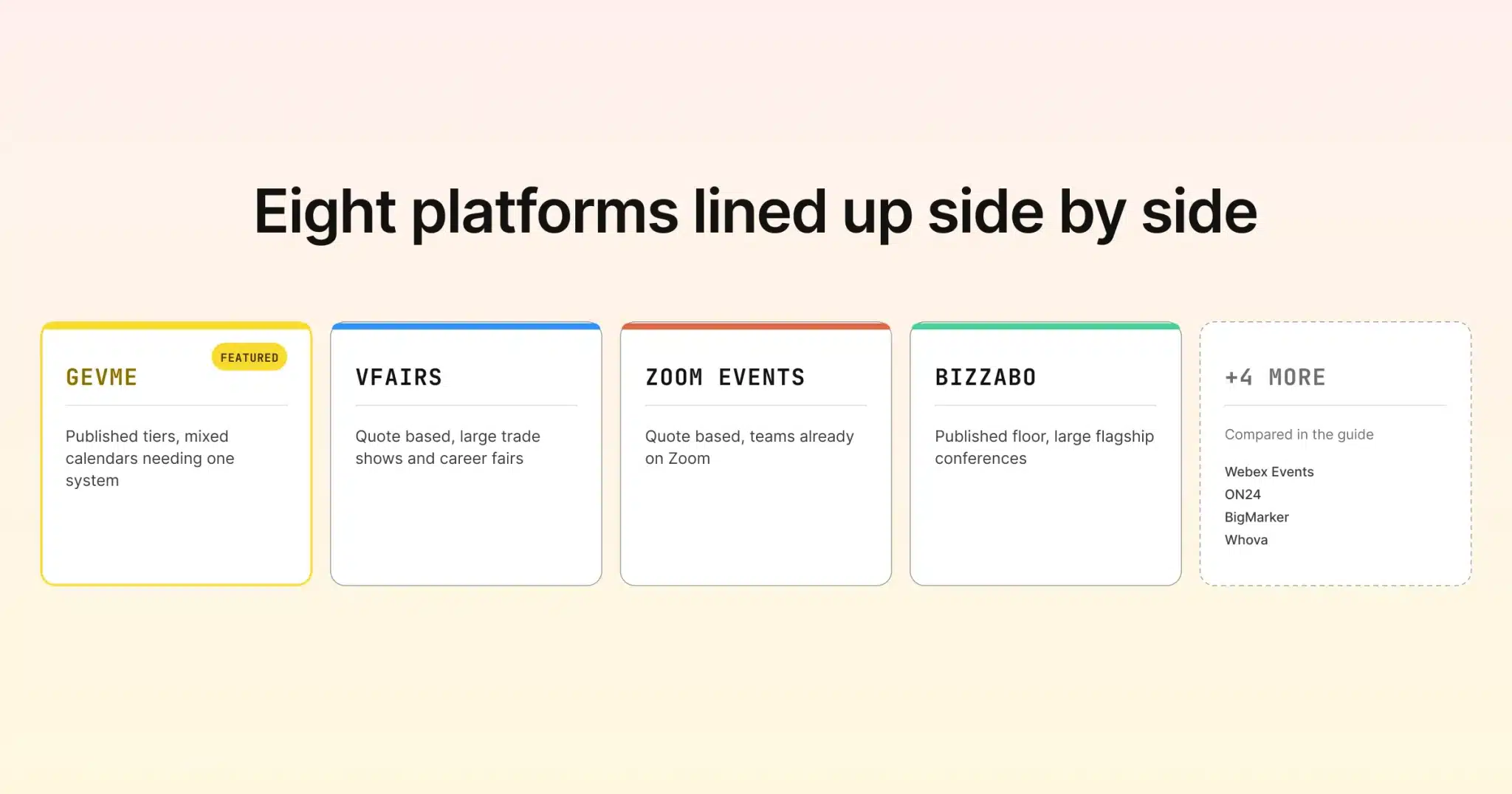
Sources: figures above come from each platform’s own pricing or product pages, checked mid-August 2026. They are Gevme, vFairs, Zoom Events, Webex Webinars, ON24, Bizzabo, BigMarker, and Whova. Vendor pricing pages change, so it’s worth confirming directly before you budget against any figure here.
How to Narrow This List Down to Two or Three
With eight platforms on the table, the fastest way to shortlist is to sort by what you actually run. If your calendar is a genuine mix of virtual, hybrid, and in-person events and you want one system behind all of it, Gevme’s virtual events platform and its connected registration and on-site check-in tools are built exactly for that. The full ecosystem behind them covers the rest of the event lifecycle too. If your whole event is one large, highly immersive trade show or career fair, vFairs deserves a serious look. If you’re mostly running B2B webinars for lead generation, ON24 is worth a look. It fits that specific job better than a general events platform will. If security sign-off or an existing Zoom or Cisco relationship shapes your decision more than anything else, Webex Events or Zoom Events narrow the list fast on their own. Matching the platform to the job saves time later. That beats picking whichever one has the longest feature list.
Pro Tip
Before you request a demo from any platform on this list, write down your actual event calendar for the next twelve months. Sort it by format and rough attendee count. Bring that list to every demo and ask each vendor the same question. What would our full year cost, and how fast could our first event go live? Platforms with published pricing, like Gevme, let you answer half of that before you even pick up the phone. For the quote-based platforms on this list, that prepared list matters. It keeps the sales conversation focused on your actual needs instead of their biggest use case.
Frequently Asked Questions
There isn’t one platform that wins for every event type. Gevme is a strong overall pick for teams running a mix of virtual, hybrid, and in-person events. They want registration, on-site, and virtual data connected, with published pricing. vFairs leads for large, highly immersive single events. A platform like ON24 fits better if your primary use case is B2B webinars.
Gevme publishes tiered pricing directly on its site, starting with a free plan. Bizzabo publishes a starting floor with add-ons quoted separately. Everyone else on this list is entirely quote based on their own pricing pages as of mid-August 2026: vFairs, Zoom Events, Webex Webinars, ON24, BigMarker, and Whova. A sales conversation is the only way to get a real number from most of this list.
It depends on the size and complexity of the event. Zoom Events works well for teams that already run on Zoom and want a lighter events layer without learning a new platform. It’s generally a simpler tool, though, than dedicated event platforms like Gevme or vFairs when it comes to deep customization and large-scale immersive environments.
Gevme is built around connecting registration, on-site check-in, and a template-rich virtual venue in one system. Pricing is published, so you can review it upfront. vFairs specializes in large, highly custom 3D immersive builds with pricing handled through a quote. Both are strong in virtual events. The difference is more about speed and connected data versus depth of custom immersive design.
Still Have Questions?
It varies widely. Gevme’s published tiers start free and move to USD $960 and USD $2,160 per year for Starter and Pro. Bizzabo’s published floor sits at $17,999 per year for a three-user minimum. Most of the rest of this list, vFairs, Zoom Events, Webex Webinars, ON24, BigMarker, and Whova, don’t publish numbers on their own pricing pages. Actual cost depends on your event size and the quote you receive.
Not necessarily, but it’s worth checking. Platforms like BigMarker and ON24 are purpose-built for webinar series and B2B lead generation. Platforms like Gevme and vFairs, by contrast, are built for fuller virtual events, with expo-style browsing, networking, and richer attendee experiences. If your program includes both formats, a platform that handles both well saves you from running two separate tools.
It’s possible. But it’s smoother to plan the switch around a contract renewal or a natural gap in your calendar rather than mid-event-season. Most teams budget a few weeks to migrate branding, registration forms, and past attendee data. Running one event on the new platform in parallel with the old one, before fully committing, is the safest way to confirm the switch is worth it.
Conclusion: Choosing Based on the Events You Actually Run
The virtual event platform market in 2026 isn’t short on options. That’s exactly why matching the platform to your actual events matters more than chasing the longest feature list. A platform built for one immersive flagship trade show a year serves a completely different need than one built for a steady calendar of varied events. Pricing transparency alone can save weeks of back-and-forth during budget season.
Gevme sits in a useful spot on this list for teams that need virtual, onsite, and registration data connected in one place. Pricing is there to act on immediately. If that mix of speed, connected data, and upfront pricing fits how you run events, request a demo with Gevme. Bring your real event calendar to the call.