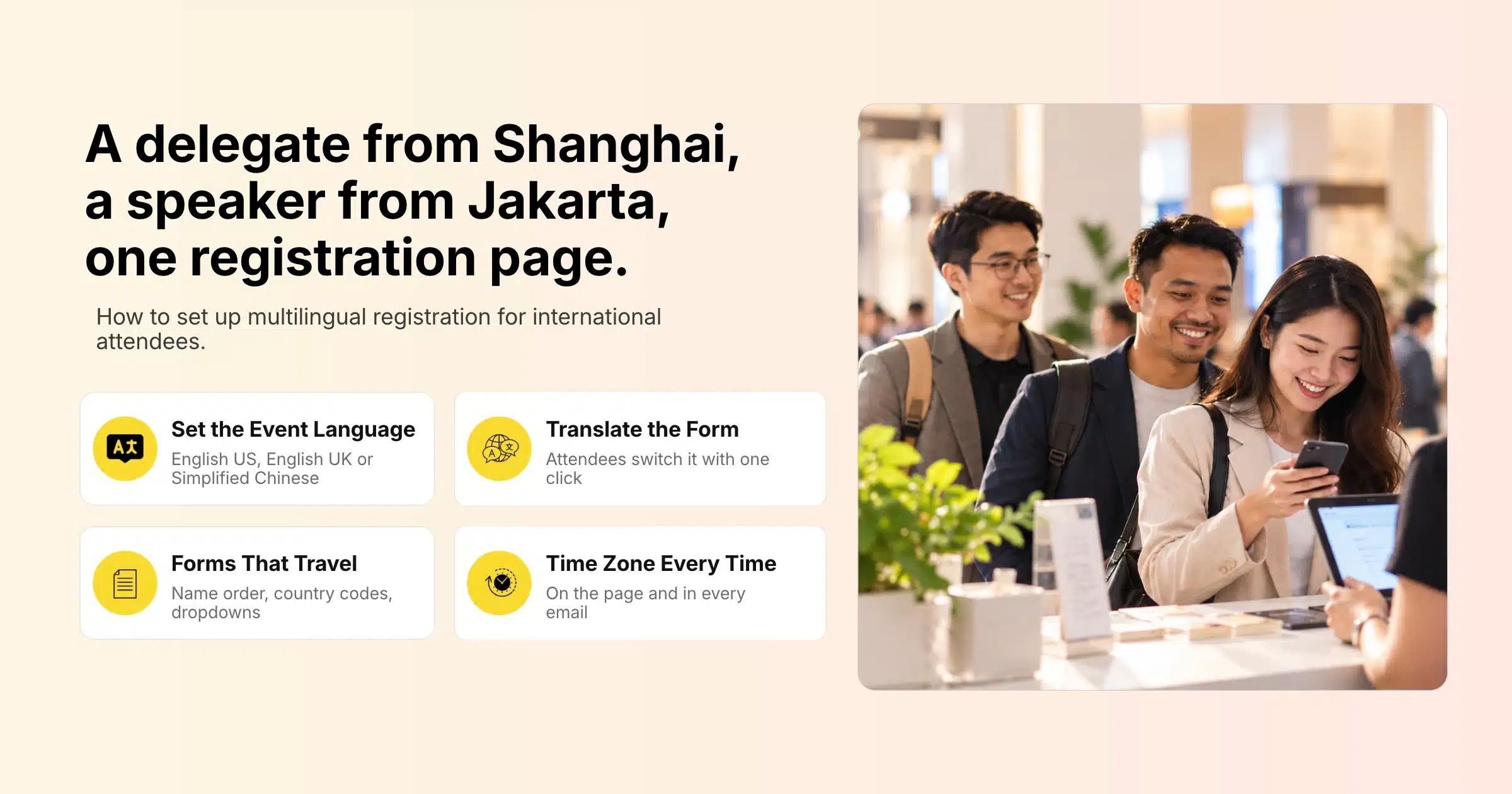
Events in Singapore and across APAC routinely bring together people who think, read and buy in different languages. A delegate from Shanghai, a speaker from Jakarta and a sponsor team from Sydney may all land on the same registration page within the same hour. If that page only works well for one of them, the others take longer to register, make more mistakes on the form or give up before they finish.
Multilingual event registration means setting up your sign-up process so attendees from different countries can understand it, complete it accurately and pay without friction. That covers the language of the page and form, but also the details that change from country to country: name formats, phone numbers, time zones, currencies, payment methods and the way confirmation emails read. Getting these right makes international attendees feel expected, and it gives you cleaner data to work with afterwards.
This guide covers what international attendees need from a registration page, how to choose a language strategy for your event, how to set up event language and translated forms in Gevme, how to design forms that work across countries, payments and currency, emails and communications, handling non-English characters in your data, and support for multilingual audiences on event day.
Key Takeaways
- Decide your language strategy before building: one clear English page, a primary language with translation, or separate registration pages for each language audience.
- Set the event language to match your main audience, and give attendees an easy way to translate the full registration form.
- Write forms that work across countries, with separate first and last name fields, country codes on phone numbers and dropdowns in place of free text.
- State dates and times with the time zone everywhere, from the registration page to the confirmation email.
- Offer payment methods your international and regional attendees use, and set the event currency carefully before the first order.
- Open exported data using UTF-8 so Chinese and other non-Latin characters display correctly.
- Plan language support beyond registration, including session translation, interpretation and onsite help for international attendees.
What International Attendees Need From Registration
International attendees need a registration page they can understand, a form that accepts their details the way they write them, and a payment process that works from their country. The table below summarises the main needs and how to meet them.
| Need | What can go wrong | What to set up |
|---|---|---|
| Understand the page | Attendees misread ticket types or terms | Clear language, a suitable event language and an option to translate the form |
| Enter their name correctly | Family names in the wrong field, missing characters | Separate first and last name fields that accept non-Latin characters |
| Give a working phone number | Numbers without country codes | A phone field with country code guidance |
| Know when things happen | Missed sessions due to time zone confusion | The time zone stated next to every date and time |
| Pay easily | Card declined, no local payment method | Regional payment gateways and offline payment options |
| Understand the price | Surprise tax or currency conversion | Clear currency and tax display from the first page |
| Get the right emails | Confirmations they cannot read | Clear, simple email templates and the right sender details |
| Feel welcome on the day | Language barriers at check-in or in sessions | Translation and interpretation support, clear signage |
Choose Your Language Strategy
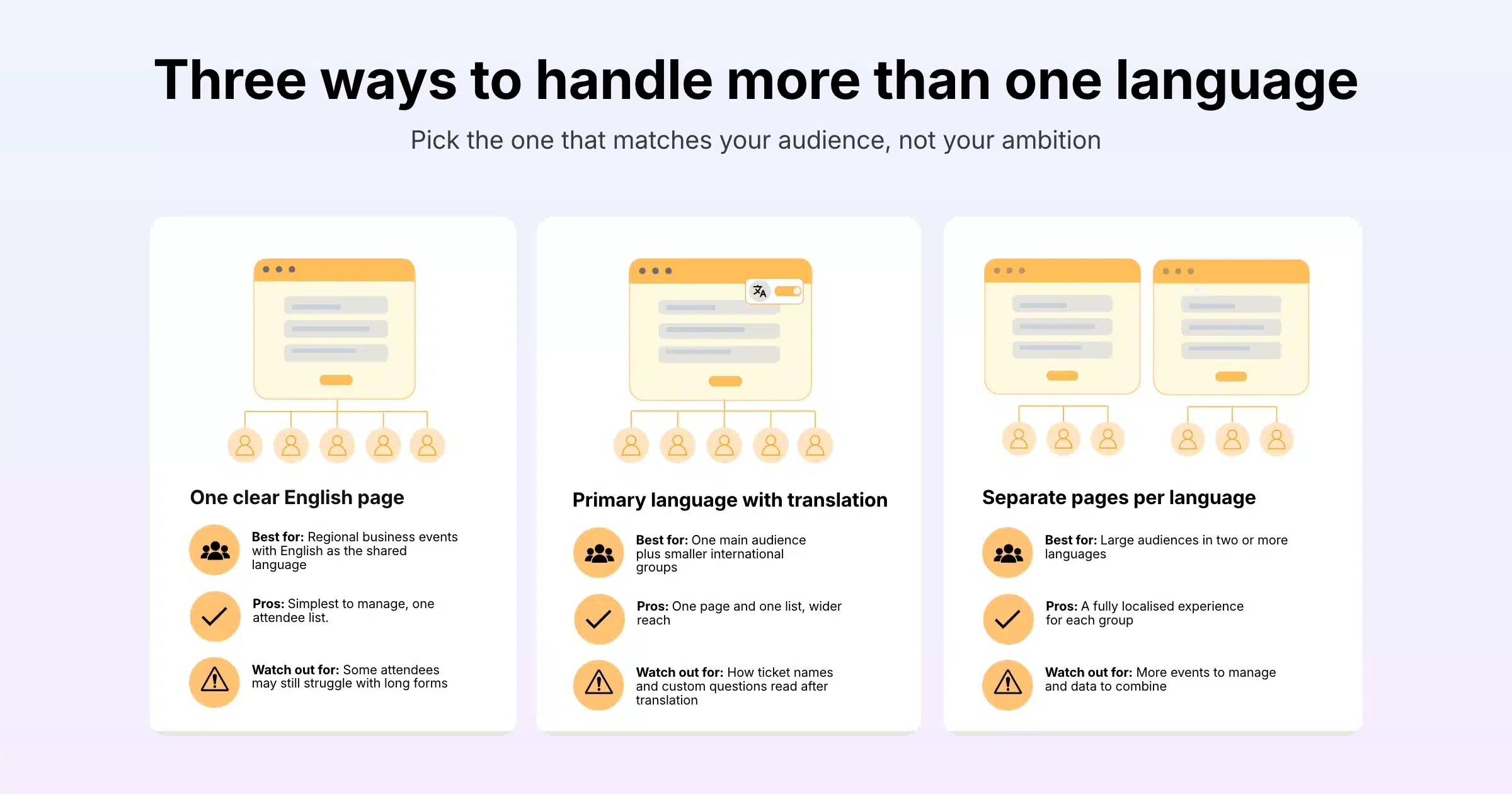
The right language strategy depends on who your attendees are and how many of them prefer a language other than English. Most events fall into one of three approaches.
Option 1: One Clear English Page
For many regional business events, English works as the shared language. If you choose this route, write for readers whose first language is not English: short sentences, plain words, no idioms, and clear labels on every field. Add an option to translate the form for attendees who prefer their own language.
Option 2: A Primary Language With Translation
If one audience dominates but others still matter, set the event language to your main audience’s language and give everyone else an easy way to translate the form. This keeps one registration page, one set of tickets and one attendee list, which makes reporting simple.
Option 3: Separate Registration Pages for Each Language
When you have large audiences in different languages, for example an English-speaking stream and a Chinese-speaking stream, separate registration pages give each group a fully localised experience. Each page can carry its own event language, description, ticket names, form labels and emails. The trade-off is managing more than one event in the back end, so plan how you will combine the data for reporting.
| Approach | Best for | Pros | Watch out for |
|---|---|---|---|
| One clear English page | Regional business events with English as the shared language | Simplest to manage, one attendee list | Some attendees may still struggle with long forms |
| Primary language with translation | One main audience plus smaller international groups | One page and one list, wider reach | Check how ticket names and custom questions read after translation |
| Separate pages per language | Large audiences in two or more languages | Fully localised experience for each group | More events to manage and data to combine |
Setting Up Multilingual Event Registration in Gevme
Gevme Registration gives you event-level language settings, form translation and the tools to clone events for different language audiences.
Set the Event Language
When you create an event in Gevme Registration, you choose its event language. The options are English (US), English (UK) and Chinese (Simplified). Choose English (UK) for audiences used to British spelling, common across Singapore, Australia and much of Asia, and Chinese (Simplified) for events aimed at audiences in mainland China or Simplified Chinese readers elsewhere.
Let Attendees Translate the Registration Form
Gevme’s event registration software includes translation support that lets attendees translate the whole registration form with the click of a button. This is useful for attendees who are comfortable registering in English but prefer to check questions, terms or ticket details in their own language. Write your custom questions and ticket descriptions in plain, simple English so they translate cleanly, and avoid abbreviations or internal jargon that a translation cannot interpret.
Clone Events for Separate Language Audiences
If you choose separate registration pages for each language, build the first event completely, then clone it. Cloning copies settings such as the base colour, organiser, privacy, event language, tickets and automated messages and emails. Change the event language, translate the description, ticket names and form labels, and give each version its own web address. You can also save a finished event as a template, so future multilingual events start from the same setup.
Write Ticket Names and Labels for Every Reader
Ticket names such as “Delegate Pass” or “Full Conference Pass” are easy to understand across languages. Names that rely on wordplay or internal shorthand, such as “Early Bird Plus” without explanation, cause confusion. Add a short line under each ticket explaining exactly what it includes.
Make the Event Page Easy to Scan
International visitors scan before they read. Lead the event description with the essentials: date, time with time zone, venue or online format, and who the event is for. Formatted text, images and tables in the description help break information into small, clear pieces.
Design Forms That Work Across Countries
A form that feels natural in one country can be confusing in another. These adjustments help attendees from any country fill it in correctly the first time.
Names
Name order varies around the world. In Chinese, Japanese and Korean names, the family name usually comes first, while many Western names put it last. Use separate fields labelled “First name / Given name” and “Last name / Family name” so attendees know what goes where. If badges and certificates matter, add a field asking how the name should appear on the badge.
Phone Numbers
Ask for the phone number with the country code, and show an example in the field label, such as “+65 1234 5678”. Without country codes, numbers from different countries become hard to use for SMS confirmations or onsite contact.
Country, Company and Job Details
Use a dropdown for country so the data stays consistent. For job level, industry or company size, fixed choices work better than free text across languages, and they make your reports far easier to read later. Gevme’s form builder supports dropdowns, radio buttons and checkboxes, plus conditional follow-up questions that appear only when relevant.
Dates and Addresses
Write dates in a format nobody can misread, such as “14 November 2026”, in place of numeric formats like 11/14/26, which mean different things in different countries. If you need postal addresses, use flexible fields, because address formats vary widely.
Keep It Short
Every extra question is harder for someone reading in a second language. Ask only what you need, and use Gevme’s options to show certain questions only for certain ticket types, so each attendee sees a shorter form.
Payments and Currency for International Attendees
Payment is where many international registrations fail. Card declines, unfamiliar payment pages and confusing currencies all cause drop-offs.
Offer the Right Payment Methods
Gevme supports credit card payments through 20+ payment gateways, including Stripe, Adyen and PayPal, along with regional gateways such as eNETS, OCBC and Xfers. You can also accept direct debit, bank transfer, cheque, payment at the event and Gevme Pay. Offering bank transfer or invoice-based payment helps international corporate attendees whose companies pay by invoice.
Set the Currency Before Sales Open
Choose your event currency carefully, because in Gevme the currency locks after the first order. Show prices clearly in that currency on the registration page, and if most attendees will pay from abroad, mention that their bank may apply conversion fees.
Be Clear About Tax
Gevme lets you show prices as tax inclusive or exclusive, with tax calculated per line item after discounts. State which one applies on the registration page, so attendees from countries with different tax rules know exactly what they will pay.
Emails and Communications in More Than One Language
Your confirmation email is often the document attendees keep and forward, so it needs to be as clear as the registration page.
Keep Confirmation Emails Clear and Complete
Gevme sends an automatic confirmation email after registration, with receipts and e-tickets attached. E-tickets carry a unique QR code used for check-in. Make sure the email states the date, time with time zone, venue or login details and who to contact for help, in language every attendee can follow.
Run Separate Emails for Separate Language Groups
If you run separate events for each language, each one carries its own automated emails and campaigns. If you use one event for everyone, build a smart list for attendees who chose a particular language on the form, and send them campaigns written in that language. Smart lists update in real time, so late registrants are included automatically.
Always State the Time Zone
International attendees, especially virtual ones, often miss sessions because of time zone confusion. Write the time zone next to every time in your emails, such as “9:00am Singapore time (GMT+8)”. For virtual events and hybrid events, consider listing the start time in two or three of your main attendee time zones.
Handling Non-English Characters in Your Data
Registration data from international attendees often includes Chinese characters, accented letters and other non-Latin scripts. Gevme stores these correctly, but spreadsheet tools do not always display them correctly when you open an export.
Open CSV Exports Using UTF-8
Gevme reports export as CSV files. If you open a CSV directly in some spreadsheet tools, Chinese characters and other non-Latin scripts can show up as unreadable symbols. To view them correctly, import the CSV with UTF-8 encoding, or upload it to Google Drive and open it in Google Sheets, where the characters display properly.
Use PDF Export for Quick Sharing
Gevme reports can also be exported as PDF, which keeps non-Latin characters intact. PDF exports include the first 15 selected fields and a fixed number of rows per page, so they suit quick sharing more than full data analysis.
Import Files in UTF-8 Too
When importing invitee or attendee lists into Gevme, save the file in UTF-8 format first, so special characters and Chinese characters come through correctly.
Reaching Chinese-Speaking Business Travellers
If your event in Singapore targets business travellers from China, Gevme integrates with MeetSG, a WeChat mini program that lists business events and meetings in Singapore in Chinese. MeetSG is a partnership between WeMeet, WeChat, the Singapore Tourism Board and the Singapore Association of Convention and Exhibition Organisers and Suppliers (SACEOS).
Attendees find your event in MeetSG and are directed to your Gevme registration page to choose tickets and pay. After registering, they check in and collect their badges using their Gevme ticket QR code shown in the MeetSG app. To set it up, your registration form needs a few standard fields (first name, last name, job title, company, email and mobile phone) with their field names unchanged, and the registration link uses a specific source value. Setup can take two weeks or more, so plan it well before registration opens. You can see more of Gevme’s connected tools on the integrations page.
Language Support Beyond Registration
Registration is the first step. International attendees also need to follow sessions, find their way around and talk to your team.
Live Translation and Captions
For conferences with international audiences, Snapsight, Gevme’s AI content platform for live events, provides live transcription, captions and translation in 75+ languages, along with real-time session summaries. Gevme also integrates with Interprefy for live interpretation in virtual and hybrid sessions.
Onsite Check-In
At the venue, Gevme’s onsite check-in lets staff find attendees by scanning their QR code or searching by name, email, company or registration ID. QR scanning is especially helpful for international attendees, because nobody has to spell out an unfamiliar name at a busy registration desk.
Singapore Residents and Myinfo
For events in Singapore with a local audience, Gevme supports Singpass Myinfo, which fills in registration form details automatically from verified government records. Combined with translation for international visitors, this gives local and overseas attendees a fast way through the same form.
Privacy for International Attendees
International registration means handling personal data from people in several countries, each with its own privacy rules. Explain clearly on your registration form how personal data will be used, collect consent where it is needed, and only ask for information you need for the event.
Gevme’s trust centre lists ISO 27001, ISO 27017, ISO 27018 and SOC 2 Type 2 certifications, along with GDPR, PDPA and CCPA compliance. Data is encrypted with AES-256 at rest and TLS in transit, and Gevme never sells attendee data.
Multilingual Registration Checklist
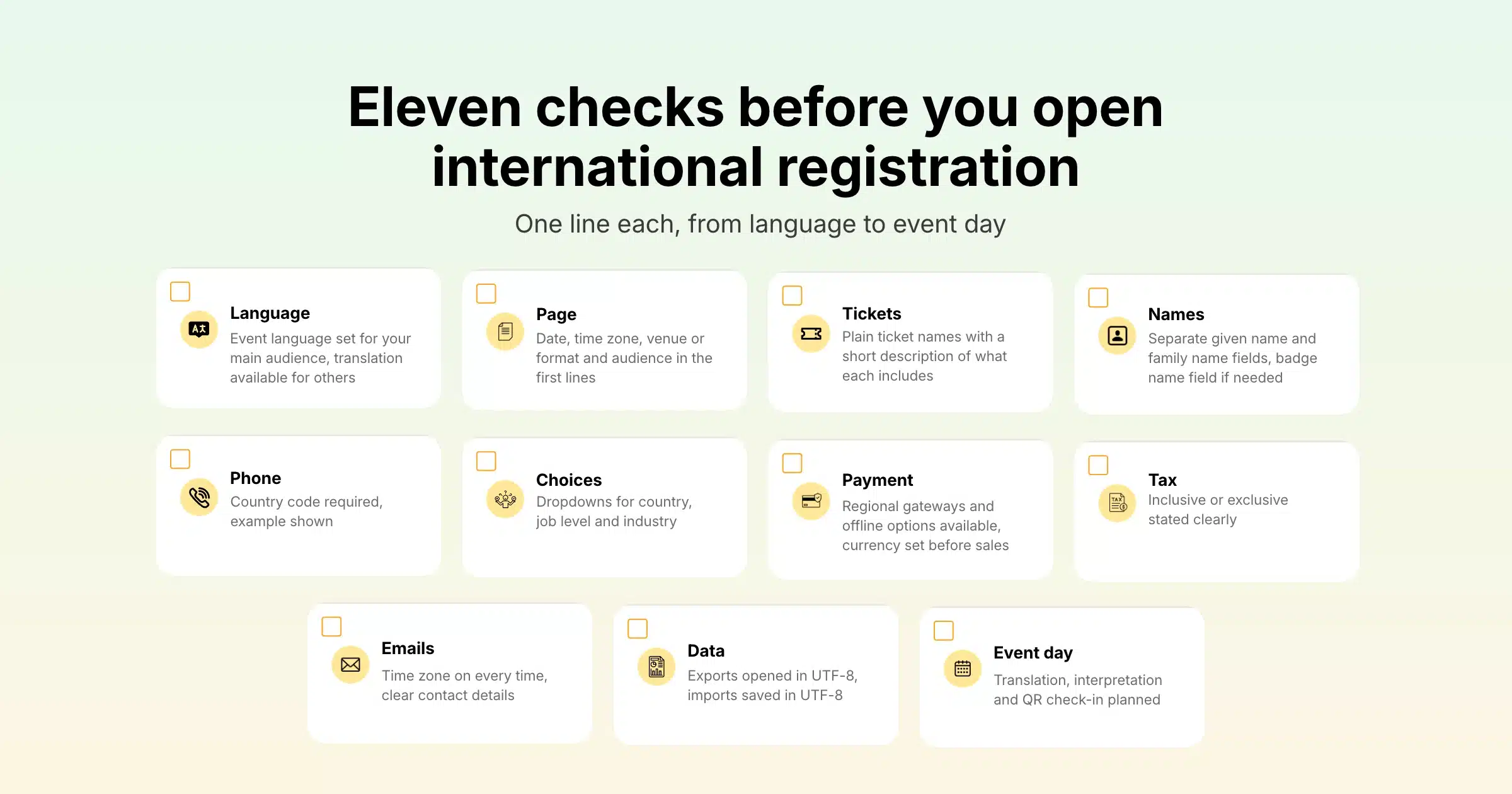
| Area | Check |
|---|---|
| Language | Event language set for your main audience, translation available for others |
| Page | Date, time zone, venue or format and audience in the first lines |
| Tickets | Plain ticket names with a short description of what each includes |
| Names | Separate given name and family name fields, badge name field if needed |
| Phone | Country code required, example shown |
| Choices | Dropdowns for country, job level and industry |
| Payment | Regional gateways and offline options available, currency set before sales |
| Tax | Inclusive or exclusive stated clearly |
| Emails | Time zone on every time, clear contact details |
| Data | Exports opened in UTF-8, imports saved in UTF-8 |
| Event day | Translation, interpretation and QR check-in planned |
A Few Terms Worth Knowing
- Event language: the language set for an event in Gevme Registration, which shapes the default text attendees see.
- UTF-8: a text encoding standard that supports characters from almost every language, including Chinese, Arabic and accented letters.
- Localisation: adapting content for a specific country or region, including language, date formats, currency and tone.
- Interpretation: live spoken translation of a session, delivered by human interpreters.
Pro Tip
Before you open registration, ask two or three colleagues or partners from your main international markets to register using test tickets, on their own phones, in their own setting. Ask them to note every moment they hesitated: a field they did not understand, a payment method they expected and could not find, a date they were unsure about. Those five-minute tests catch more problems than any internal review, and the fixes usually take minutes in Gevme.
Frequently Asked Questions
Multilingual event registration is a sign-up process that attendees from different countries can understand and complete in a language that suits them. It covers the language of the page and form, plus details such as name formats, phone numbers, time zones, currency and payment methods.
Gevme Registration lets you set the event language to English (US), English (UK) or Chinese (Simplified). Its registration forms also include translation support, so attendees can translate the whole form with the click of a button.
You should create separate registration pages when you have large audiences in different languages who need a fully localised experience. For smaller international groups, one page with a suitable event language and form translation is simpler to manage and keeps all attendees in one list.
Ask attendees to include their country code and show an example in the field label, such as “+65 1234 5678”. This keeps numbers usable for SMS confirmations and onsite contact.
Chinese characters look wrong when a CSV export is opened without UTF-8 encoding. Import the file with UTF-8 encoding, or upload it to Google Drive and open it in Google Sheets, and the characters display correctly. Gevme reports can also be exported as PDF.
International attendees register more easily when you offer several payment methods. Gevme supports card payments through 20+ gateways, including regional options, plus bank transfer, direct debit, cheque, payment at the event and Gevme Pay.
You can support international attendees during sessions with live captions, translation and interpretation. Snapsight provides live transcription and translation in 75+ languages, and Gevme integrates with Interprefy for live interpretation in virtual and hybrid sessions.
Conclusion: Make Every Attendee Feel Expected
International attendees register when the page speaks to them clearly, the form accepts their details the way they write them and payment works from where they are. Choose a language strategy that fits your audience, set the event language, write plain ticket names and questions, state time zones everywhere, offer the right payment methods and open your data in UTF-8. Then test the whole journey with people from your main markets before you go live.
Gevme brings those pieces together in one platform: event language settings, form translation, cloning for separate language audiences, flexible forms, 20+ payment gateways, Chinese-language reach through MeetSG and onsite check-in by QR code, all connected to the same attendee data. To see how Gevme could support your next international event, request a demo and our team will walk you through it.